1
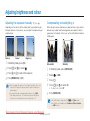
Adjusting brightness and colour
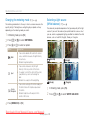
Changing the metering mode
173
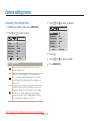
The metering mode refers to the way in which a camera measures the
quantity of light. The brightness and lighting of your photos will vary
depending on the metering mode you select.
1
2
3
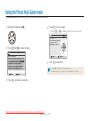
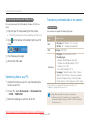
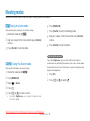
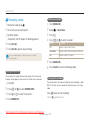
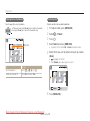
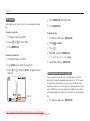
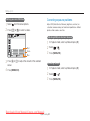
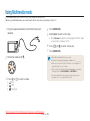
In Shooting mode, press [Fn].
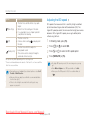
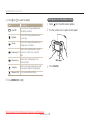
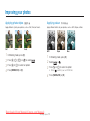
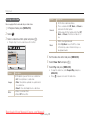
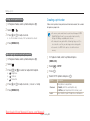
The colour of your photo depends on the type and quality of the light
source. If you want the colour of your photo to be the same as what
you see, select an appropriate lighting condition to calibrate the white
balance, such as Auto WB, Daylight, Cloudy, or Tungsten.
Press [w] or [r] to select METERING.
Press [e] or [t] to select an option.
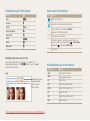
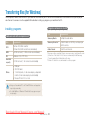
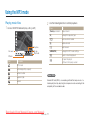
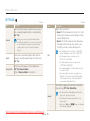
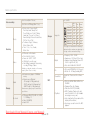
Option
Multi
4
Selecting a light source
(White balance) 1 7 3
Description
• Your camera divides the scene into several
areas, and then measures the light intensity
of each area.
• Suitable for general photos.
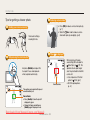
Spot
• Your camera measures only the light
intensity of the very centre of the frame.
• If a subject is not in the centre of the scene,
your photo may come out too bright or
dark.
• Suitable for a subject with backlighting.
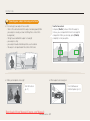
Center
Weighted
• Your camera averages the meter reading of
the entire frame with emphasis placed on
the centre.
• Suitable for photos with subjects in the
centre of the frame.
1
2
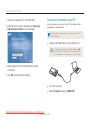
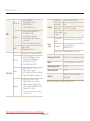
(Auto WB)
(Daylight)
(Cloudy)
(Tungsten)
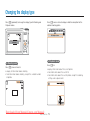
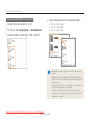
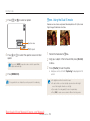
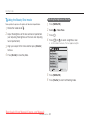
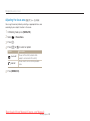
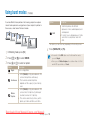
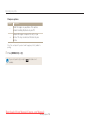
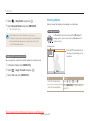
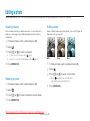
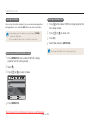
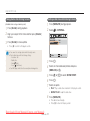
In Shooting mode, press [Fn].
Press [w] or [r] to select WHITE BALANCE.
Press [MENU/OK] or [Fn].
Downloaded from ManualsCamera.com Manuals
Shooting Options
48