1
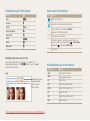
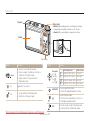
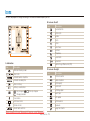
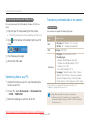
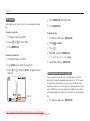
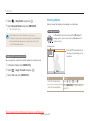
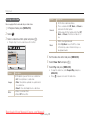
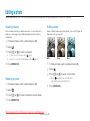
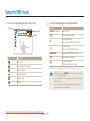
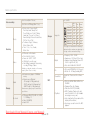
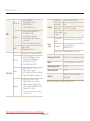
Icons used in this manual Indications used in this manual Icon Function Mode Icon Auto 2 Additional information Program 1 7 Situations where you need to be careful Dual IS Photo Help Guide 8 [ ] Beauty Shot 5 ( ) Page number for reference Scene 4 Movie 3 Multimedia 6 The order of options or menus you must select to Face Tone perform a step; for example: Select (represents , followed by Face Tone) * Annotation Camera buttons; for example: [Shutter] (represents the Shutter button) Shooting mode icons next to a title These icons indicate that a function is available in the corresponding modes. The 4 mode may not support functions for all scenes. Abbreviations used in this manual e.g.) Available in the Auto, Program, Beauty Shot, and some Scene modes Downloaded from ManualsCamera.com Manuals 5 Abbreviation Definition ACB Auto Contrast Balance AEB Auto Exposure Bracket AF Auto Focus DIS Digital Image Stabilisation DPOF Digital Print Order Format EV Exposure Value OIS Optical Image Stabilisation WB White Balance