1
A213_1 Quick Start Guide
06.4.28 8:20 PM
Page 19
Part1
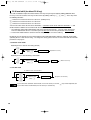
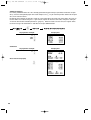
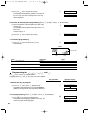
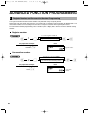
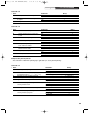
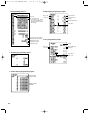
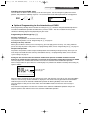
(2) Press the s key to register the entry type.
Immediately after displaying guidance message for
the next step, the current setting for the next step
will be displayed.
Part2
QUICK START GUIDE
s
Part3
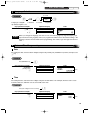
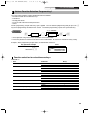
SELECT OF TAX1
TAX1
YES
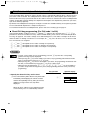
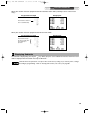
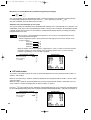
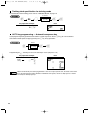
5. VAT/tax 1 status programming (Press s to skip. / Press A to terminate.)
(1) Go to (2) when the VAT/tax 1 status does not need
to be changed from "TAX1 YES". Otherwise, press
: key to display "TAX1 NO".
Each time : key is pressed, the display shows
"TAX1 NO" and "TAX1 YES" alternatively.
Choose "YES" for taxable and "NO" for non-taxable.
Default setting is "YES" for dept. code 1 to 10 and
21 to 99, and "NO" for dept. code 11 to 20.
When any entry of a taxable department is made in
a transaction, tax is automatically computed
according to the associated tax rate as soon as the
transaction is completed.
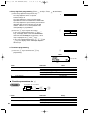
(2) Press the s key to register the setting.
Immediately after displaying guidance message for
the next step, the current setting for the next step
will be displayed.
s
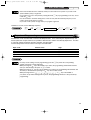
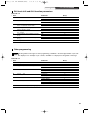
SELECT OF TAX2
TAX2
NO
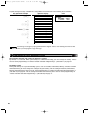
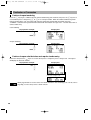
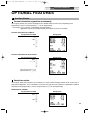
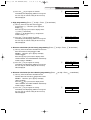
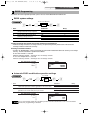
6. VAT/tax2 status programming (Press s to skip. / Press A to terminate.)
(1) Go to (2) when the VAT/tax 2 status does not need
to be changed from "TAX2 NO". Otherwise, press
: key to display "TAX2 YES".
Each time : key is pressed, the display shows
"TAX2 YES" and "TAX2 NO" alternatively.
Default setting is "NO" for dept. code 1 to 10 and 21
to 99, and "YES" for dept. code 11 to 20.
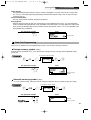
(2) Press the s key to register the setting.
Immediately after displaying guidance message for
the next step, the current setting for the next step
will be displayed.
s
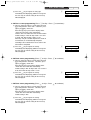
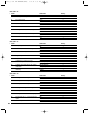
SELECT OF TAX3
TAX3
NO
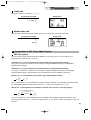
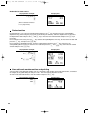
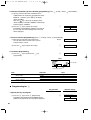
7. VAT/tax3 status programming (Press s to skip. / Press A to terminate.)
(1) Go to (2) when the VAT/tax 3 status does not need
to be changed from "TAX3 NO". Otherwise, press
: key to display "TAX3 YES".
Each time : key is pressed, the display shows
"TAX3 YES" and "TAX3 NO" alternatively.
Default setting is "NO".
(2) Press the s key to register the setting.
Immediately after displaying guidance message for
the next step, the current setting for the next step
will be displayed.
s
SELECT OF TAX4
TAX4
NO
19