1
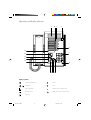
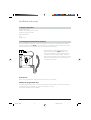
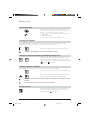
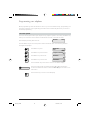
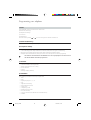
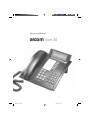
Operating and display elements
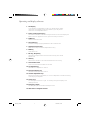
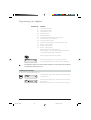
1 The display
Your telephone is equipped with a two-line, alphanumeric display.
Upper line: status display, name and number of your call partner
Lower line: status-dependent menu
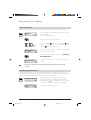
2 Foxkey (multi-function key)
The functions available under the Foxkey are shown on the lower display line.
When a function appears in this line, press the Foxkey to activate it.
3 MENU key
Selects the various menus
4 Auto-dial keys
Automatic dialling keys programmable for two numbers each
5 Alphanumeric dial pad
Dual-function keys for numeric/alphanumeric entry
6 END key
Terminates a call
7 ESC key, Escape key
Switches the telephone back to basic mode from any other mode
Rejects a call
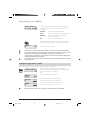
8 LOG key
Retrieves the numbers of the 9 last-answered calls from the log
9 Last number redial
Stores the 9 last-dialled numbers for retrieval
10 Loudspeaker key
Switches the loudspeaker on and off
11 MIC (microphone) key
Switches the microphone on and off
12 Volume adjustment keys
Adjust the volume for the handset, or for the loudspeaker for hands-free calling
or listening by loudspeaker
13 Cursor keys
For moving the cursor left or right. For scrolling through the display if the
message overruns
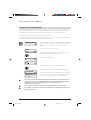
14 Emergency switch
The emergency switch is behind the Perspex cover.
15 LEDs with no assigned function
1
ETK30_2.PM6
1
19.03.97, 17:26