1
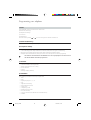
Installation and startup
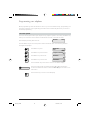
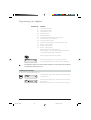
Contents of the packet
Telephone base unit
Handset, including connection cable
Telephone connection cable
Operating Manual
Feet
Perspex cover
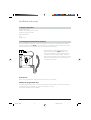
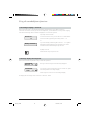
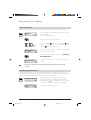
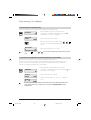
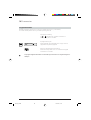
Connecting the handset and the telephone
After unpacking the telephone, connect the handset to the base unit by plugging the handset
connection cable into the small socket on the base of the telephone. Give it a slight tug to check
that the plug has locked into place. Plug the other end into the handset.
Now connect the telephone by plugging the
telephone cable into the larger socket on the
base of the telephone. Give the plug a slight tug
to check that it has locked into place. Lead the
cable through the cable groove and plug the other
end into the telephone jack. Insert the two feet in
the top end of the base.
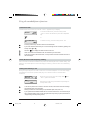
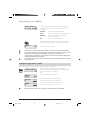
Protective foil
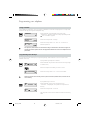
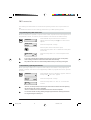
Before using the telephone, remove the protective foil from the display.
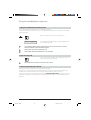
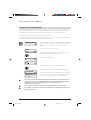
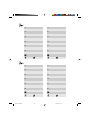
Labelling the programmable keys
Cut labels from the back cover of this operating manual and use them to note down the names
corresponding to the numbers or functions stored under each key.
Cover using the Perspex cover supplied.
5
ETK30_2.PM6
5
19.03.97, 17:26