1
Smart Cards Lab
COMPGA12
University College London
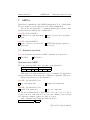
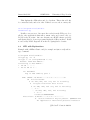
Here we will implement only the first step.
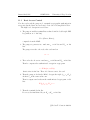
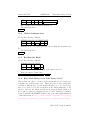
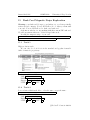
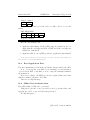
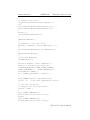
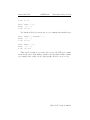
GET CHALLENGE
CLA INS P1 P2
00
84
00 00
Le
08
Where Le is the length of the expected answer, which is 64 bits.
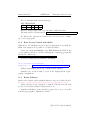
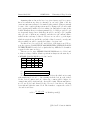
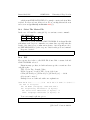
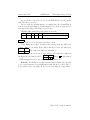
The answer will be a 64-bit random:
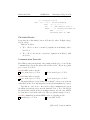
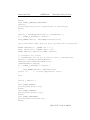
We will stop the exploration ’by hand’ here, one now needs to compute
the correct cryptogram.
11.2
Basic Access Control with rfidiot
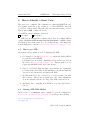
With rfidiot, the full Basic Access Control is implemented, and with the
MRZ of the passport, it is possible to read the files inside.
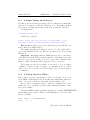
Please type in the second line of the MRZ (Machine Readable Zone)
of your passport (all the second line, including the eventual ¡¡¡¡¡¡¡ signs and
the last two characters):
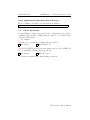
Now type (adding quotation marks to the MRZ):
cd C:\Program Files\rfidiot
mrpkey.py -r0”
”
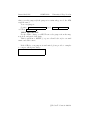
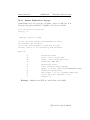
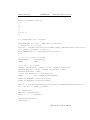
This program displays all the info contained in the passport.
Remark: if we execute it with -d option, it also displays all the cryptographic computations.
11.3
Better Software
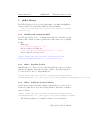
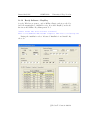
Much better software, with a graphical interface was very recently released,
see http://sites.uclouvain.be/security/epassport.html.
Under windows it can sometimes be launched directly from the disk
provided for students. Launch ePassportViewer.exe.
Remark: Both this program, and rfidiot can produce very good log files
with all cryptographic computations detailed.
c
Nicolas
T. Courtois 2009-10