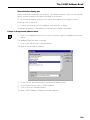
1
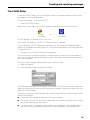
The I-SURF Address Book
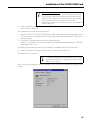
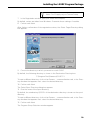
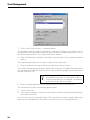
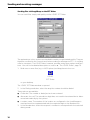
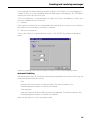
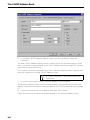
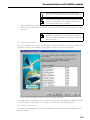
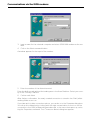
Services
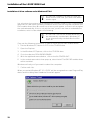
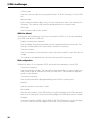
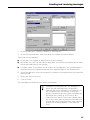
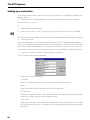
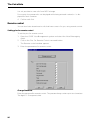
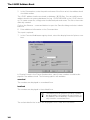
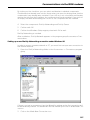
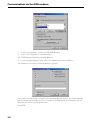
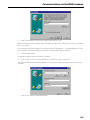
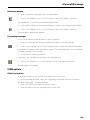
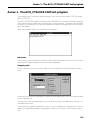
State which services are allocated to the number. A tick in the Available column means
that the recipient can be reached via this service.
The Fax option indicates the fax service with automatic fallback.
If more than one service is allocated to a number, select in the Default column which
service should be the default one. This default service is always used when a connection is set up to the stated number, unless you select a different service when setting
up the connection.
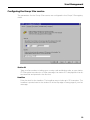
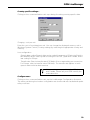
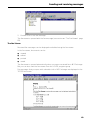
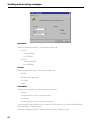
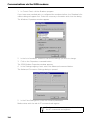
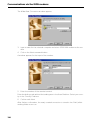
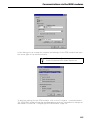
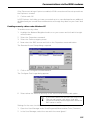
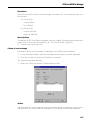
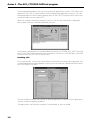
Configuration - EFT
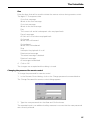
Input the parameters for EFT connections to the distant terminal.
User
Login username at distant EFT terminal. If need be, contact the distant terminal to
ascertain the username.
Password
Login password at distant EFT terminal. If need be, contact the distant terminal to
ascertain the password.
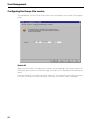
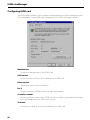
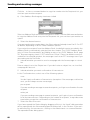
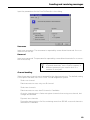
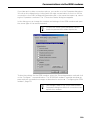
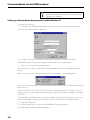
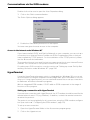
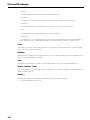
Configuration - Fax
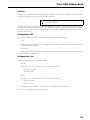
Input the parameters for fax messages.
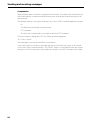
G4 dpi
Resolution for Group 4 fax. The possible values are
200 dpi (normal)
400 dpi (fine)
G3 lpi
Resolution for Group 3 fax. The possible values are
98 lpi (normal)
196 lpi (fine)
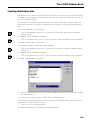
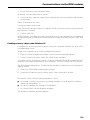
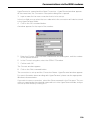
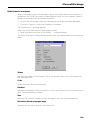
7.
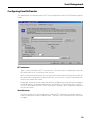
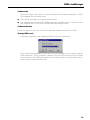
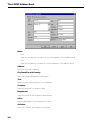
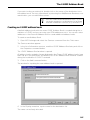
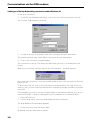
In the Business registry sheet, input the address of the recipient.
Inputs in this registry sheet are optional.
101