1
C Pen
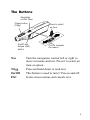
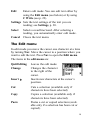
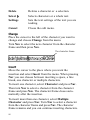
Delete
Deletes a character or a selection.
Select
Selects characters or a whole text.
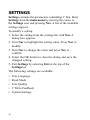
Settings
Sets the text settings of the text you are
reading.
Cancel
Closes the edit menu.
Change
Place the cursor to the left of the character you want to
change and choose Change from the menu.
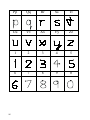
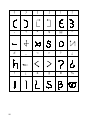
Turn Nav to select the new character from the character
frame and then press Nav.
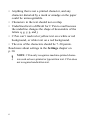
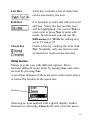
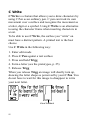
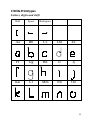
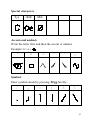
The character frame
Insert
Move the cursor to the place where you want the
insertion and select Insert from the menu. When pressing
Nav you can choose between inserting a space, a line
break, one character or multiple characters.
To insert one character, select Character and press Nav.
Then turn Nav to select a character from the character
frame and press Nav. The character frame closes automatically after the insertion.
To insert more than one character, select Multiple
Character and press Nav. Turn Nav to select a character
from the character frame and press Nav. The character
frame remains and you can continue inserting characters.
20