1
600-811-820.book Page 46 Tuesday, April 30, 2002 10:17 AM
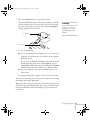
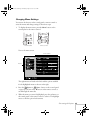
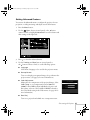
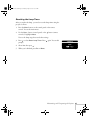
4. Use the
Sync+ or
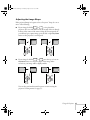
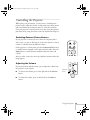
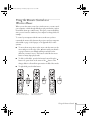
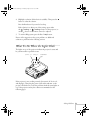
Sync– button (control panel) or the
button (remote control) to scroll through the list of options. (If
a computer or video source isn’t connected, certain options may
be unavailable.)
Tracking– or
Tracking+ button (control panel) or
5. Use the
the button (remote control) to change the setting for the
selected option.
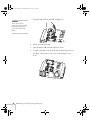
note
If you want to go back to the
default settings on any menu,
select Reset, press , select
Yes, and then press .
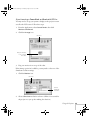
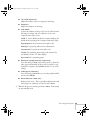
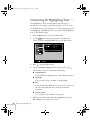
Enabled settings are indicated by a green light, while disabled
ones are blank.
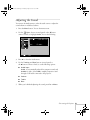
6. Press the Esc button to return to the main menu. Your changes
are saved automatically.
7. Press Esc again (or the Menu button) to exit the menu system.
46
Fine-tuning the Projector