1
Network management
63
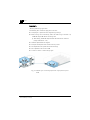
stances of dLAN AVpro manager.
The devolo Connect server checks the Connect ID you have provided. If it is correct, you can continue with remotely accessing the dLAN networks you have at
other locations.
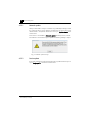
If the Connect ID you provided is incorrect, an error message is output and the
connection to the devolo Connect server is closed.
4.4.2
Calling up remote access
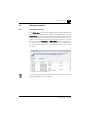
If you have been authorised to run remote access, you can call up remote access
to your dLAN networks located elsewhere.
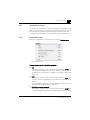
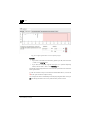
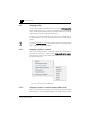
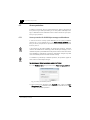
You first have to switch to expert mode for this. Then click on either the Remote
access action button or the Remote access menu item in the Network menu.
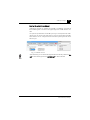
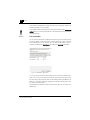
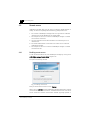
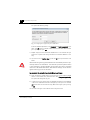
Both of these actions open the start dialog for remote access.
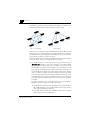
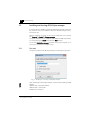
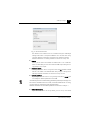
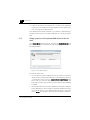
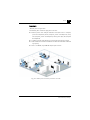
Fig. 35: Calling up remote access
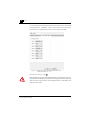
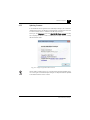
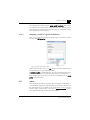
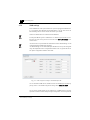
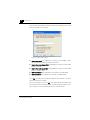
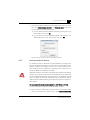
Start by selecting the location of the dLAN network that you want to configure
via remote access. Then enable the option Connect over server, enter your Connect ID and click on Connect.
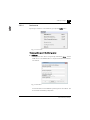
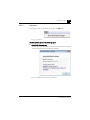
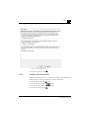
The devolo Connect Server then checks the accessibility of the other end. If it is
accessible, the server opens a communication channel.
At the same time, the text on the "Connect" button changes to "Disconnect".
devolo dLAN AVpro manager