1
Section 7: Connections
Wi-Fi
Wi-Fi is a wireless networking technology that provides
access to local area networks.
Wi-Fi communication requires access to an existing Wi-Fi
network. Wi-Fi networks can be Open (unsecured), or
Secured (requiring you to provide login credentials).
Your device supports the 802.11 a/b/g/n Wi-Fi protocols.
Configuring Wi-Fi Settings
Configure your device’s Wi-Fi settings. For more information,
see “Wi-Fi” on page 130.
Turning Wi-Fi On or Off
Turn your device’s Wi-Fi service on or off. When you turn WiFi service on, your device automatically searches for nearby
available Wi-Fi networks.
Tip: When you turn Wi-Fi service on, your device automatically
searches for available networks and displays them.
You can also turn Wi-Fi On or Off from Settings.
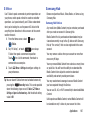
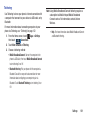
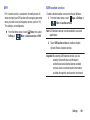
1. From the Home screen, sweep your finger downward
to display Notifications.
2. If Wi-Fi is not already on, touch Wi-Fi Off to turn on
Wi-Fi.
– or –
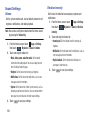
Apps ➔
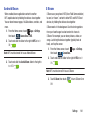
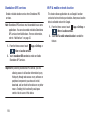
1. From the Home screen, touch
Settings then touch
Connections.
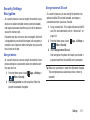
2. Touch Wi-Fi
to turn Wi-Fi On or Off.
Connections
115