1
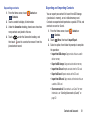
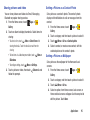
Sending Messages using Recent calls
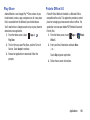
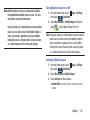
1. From the Home screen, touch
Recent calls.
Phone ➔
2. Swipe your finger from right to left across the call.
– or –
Touch a call, then touch
the number.
to create a message to
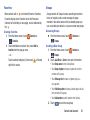
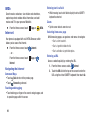
Creating or Updating Contacts Using Recent
calls
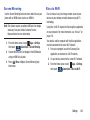
1. From the Home screen, touch
Recent calls.
Phone ➔
2. Touch and hold on a call, then select Add to Contacts
from the pop-up menu.
3. Choose Create contact or Update existing.
4. Continue entering contact information. For more
information, see “Contacts” on page 46.
62
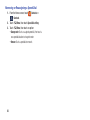
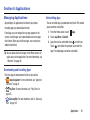
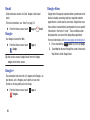
Managing Recent calls
Deleting records
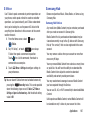
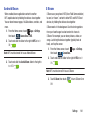
1. From the Home screen, touch
Recent calls.
2. While viewing the calls, touch
Delete.
Phone ➔
Menu, then touch
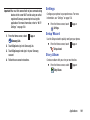
3. Touch call records to mark them for deletion, or touch
Select all. A check indicates marked records.
4. Touch Delete to delete marked records.
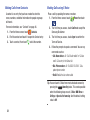
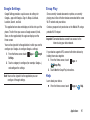
Filtering records
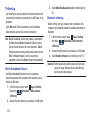
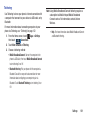
1. From the Home screen, touch
Recent calls.
2. While viewing the calls, touch
View by.
Phone ➔
Menu, then touch
3. Select a filter type, from All calls and messages, All
calls, Missed calls, Dialed calls, Received calls, Rejected
calls, All messages, Sent messages, and Received
messages.