1
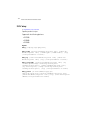
Common Commands
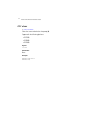
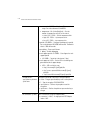
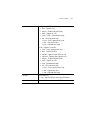
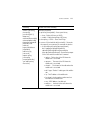
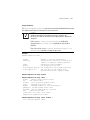
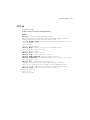
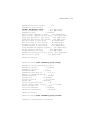
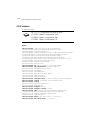
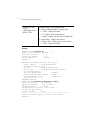
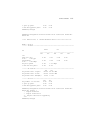
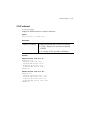
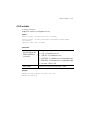
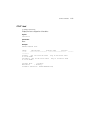
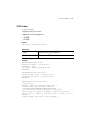
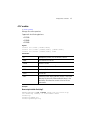
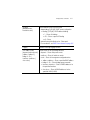
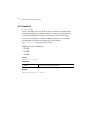
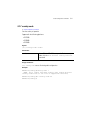
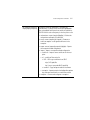
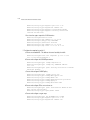
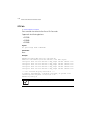
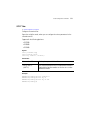
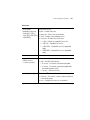
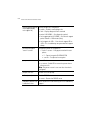
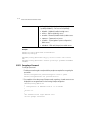
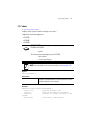
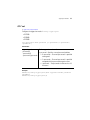
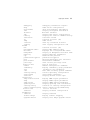
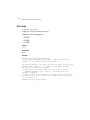
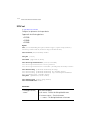
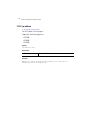
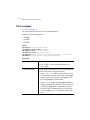
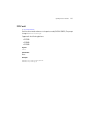
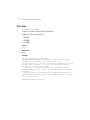
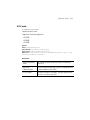
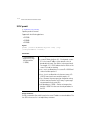
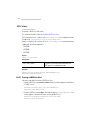
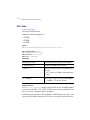
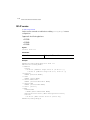
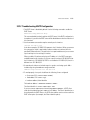
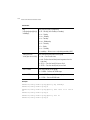
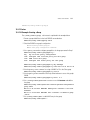
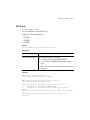
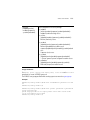
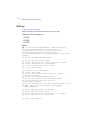
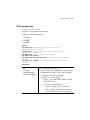
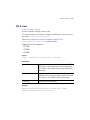
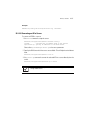
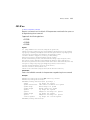
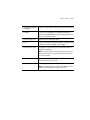
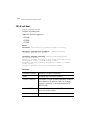
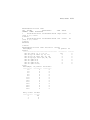
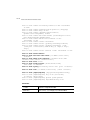
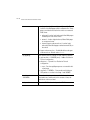
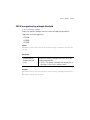
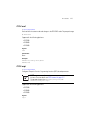
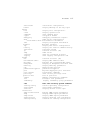
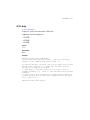
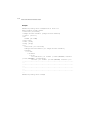
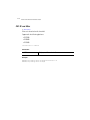
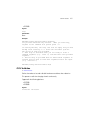
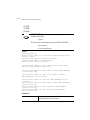
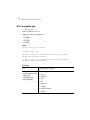
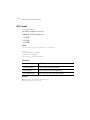
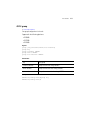
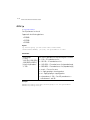
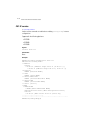
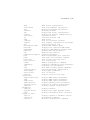
diag [enable|identify|
limit|period|
tech-support-period|
tech-support-url]
2-19
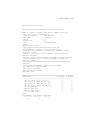
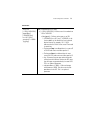
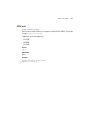
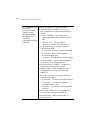
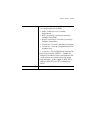
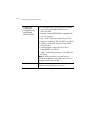
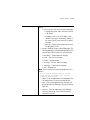
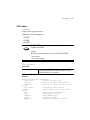
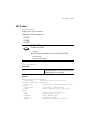
Sets or displays switch diagnostic values
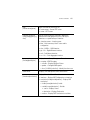
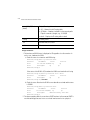
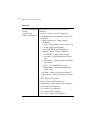
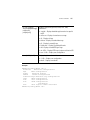
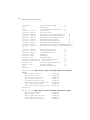
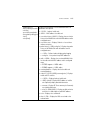
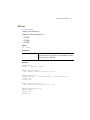
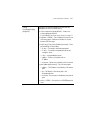
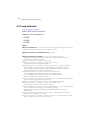
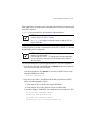
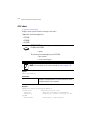
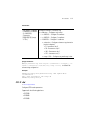
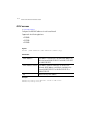
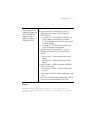
• enable – Enables in-service diagnostics
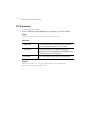
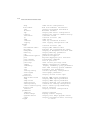
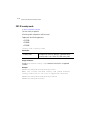
• fanduty <40-100> – CPU fan PWM duty cycle.
Set a value between 40-100%. Setting a value below 60
is considered unreliable.
• identify – Identifies a switch by flashing the LEDs
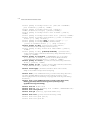
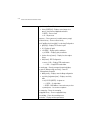
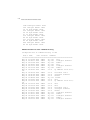
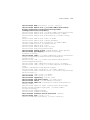
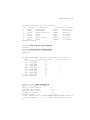
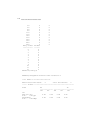
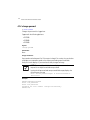
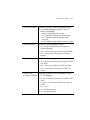
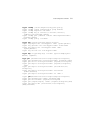
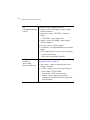
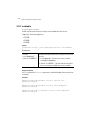
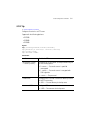
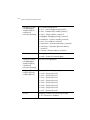
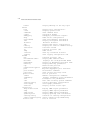
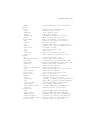
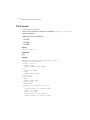
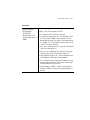
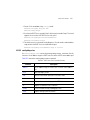
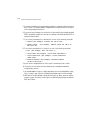
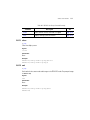
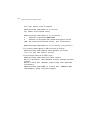
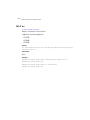
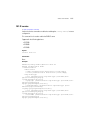
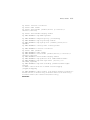
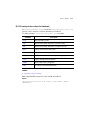
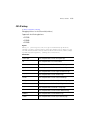
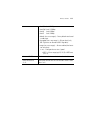
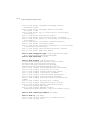
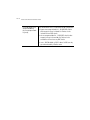
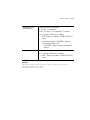
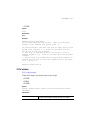
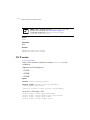
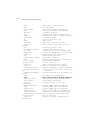
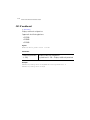
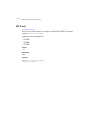
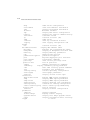
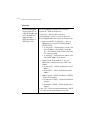
• limit [buffer|fan|filesys|inodesload|maxFDs
|pkbuffers|procRAM|ram|routechache|temperature] –
Diagnostic limit commands
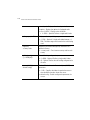
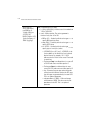
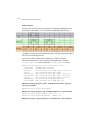
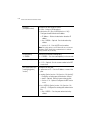
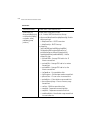
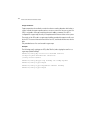
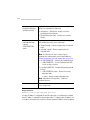
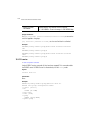
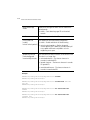
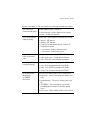
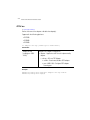
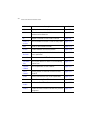
• buffer [] – Configures the buffer usage warning limit.
The warning limit can be set to the buffer limit size of
[128|128k|16k|1k|256|2k|32|32k|4k|512|64|
64k|8k]
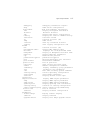
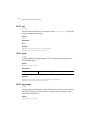
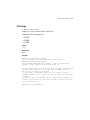
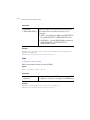
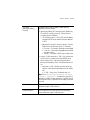
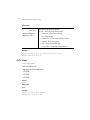
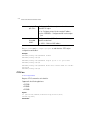
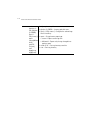
• fan <1-3> low <1000-150000> – Sets the fan speed
limit for the fans on the switch.
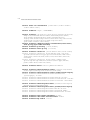
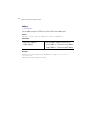
• low <1000-15000> – Sets limit value from 1000 to
15000
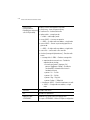
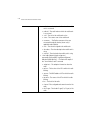
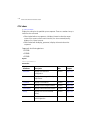
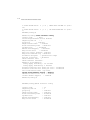
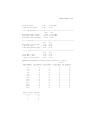
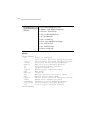
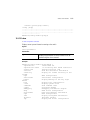
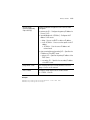
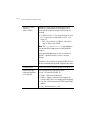
• filesys [etc2|flash|var] – Sets the file system
freespace limit
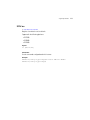
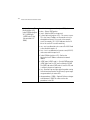
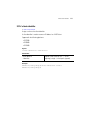
• inodes [etc2|flash|var] – Sets the file system inode
limit
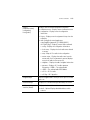
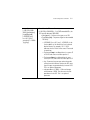
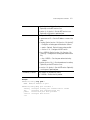
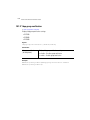
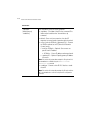
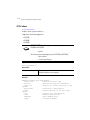
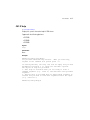
• load [01|10|15] – Aggregate processor load
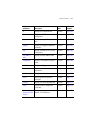
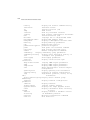
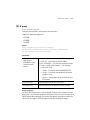
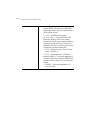
• maxFDs <0-32767> – Configures the maximum
number of file descriptors between 0 - 32767.
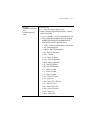
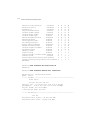
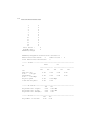
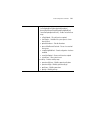
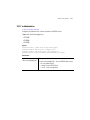
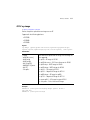
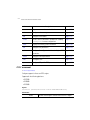
• pkbuffers <0-65535>– Sets the packet buffer head
cache limit between 0 - 65535.
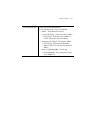
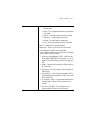
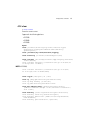
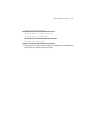
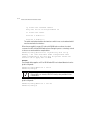
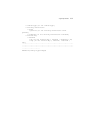
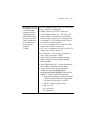
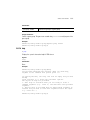
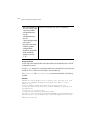
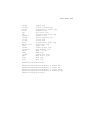
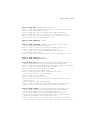
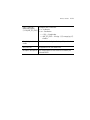
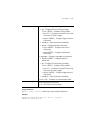
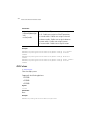
• procRAM <0.0-100.0> – Configures the RAM space
used by a process. Set the percentage of RAM space
between 0.0 and 100.0 percent .
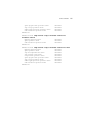
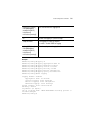
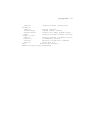
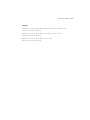
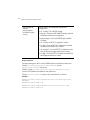
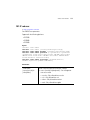
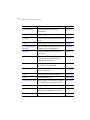
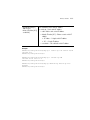
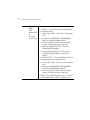
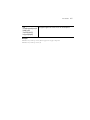
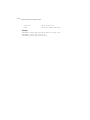
• ram <0.0-25.0> – Configures the free space for the
RAM. Configure the free space between 0.0 and 25.0
percent