1
MD-MT285E
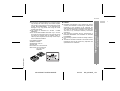
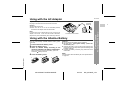
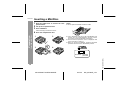
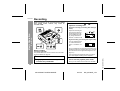
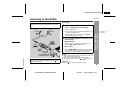
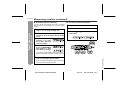
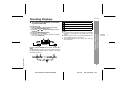
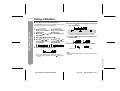
Inserting a MiniDisc
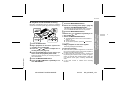
1
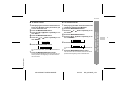
Slide the OPEN lever to release the compartment door.
2
3
Lift up the compartment door.
Notes:
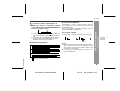
! Do not place the MiniDisc under the holder.
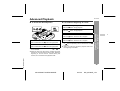
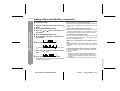
Insert a MiniDisc.
Insert according to the direction arrow.
Preparation
-Inserting a MiniDisc-
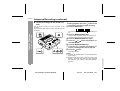
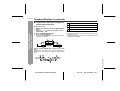
4
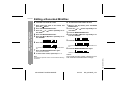
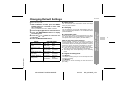
Close the compartment door.
1
2
3
4
! If any resistance is felt, do not force the MiniDisc into
the unit, as it may cause damage to the unit. If resistance is felt, remove the MiniDisc and reload it.
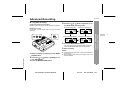
! The lid cannot be opened if "TOC" is displayed; refer
to the instruction on page 13.
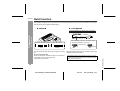
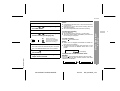
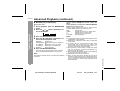
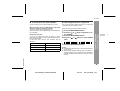
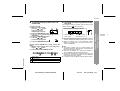
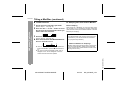
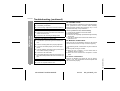
! When you record on a MiniDisc, check that the erase
prevention tab is set to the "Recordable" position.
Recordable
Recording
prevented
TINSE0539AWZZ (UK)
10
MD-MT285E TINSE0539AWZZ
03/7/15
MD_MT285E_2.fm