1
MD-MT285E
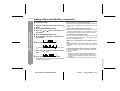
Editing a Recorded MiniDisc (continued)
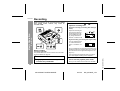
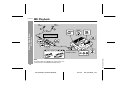
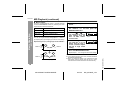
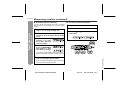
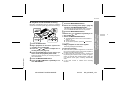
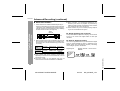
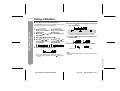
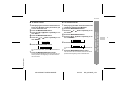
! To move a track
1
Advanced Features
-Editing a Recorded MiniDisc-
2
3
4
5
6
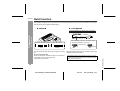
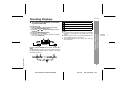
Play the track to be moved, and press the
button.
Press the MENU/ENTER button.
Press the
or
button repeatedly to select "EDIT".
Press the MENU/ENTER button.
Press the
or
lect "MOVE".
button repeatedly to se-
Press the MENU/ENTER button.
To cancel the operation, press the :OFF/HOLD button.
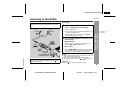
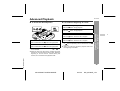
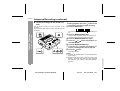
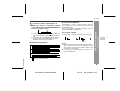
7
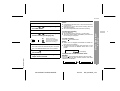
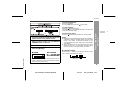
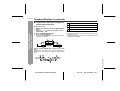
Press the
tion.
8
Press the MENU/ENTER button again.
or
button to select the direc-
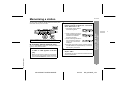
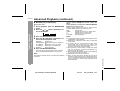
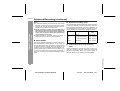
Total number of tracks that can be divided:
Each disc can hold up to 255 tracks. However, even if the
number of assigned tracks has not reached 255, it might
not be possible to make any further divisions of tracks.
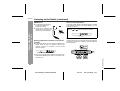
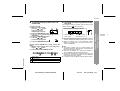
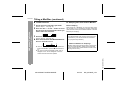
To combine two non-adjacent tracks:
First, put the two tracks next to each other in the order
you want using the MOVE function. Then combine them
using the COMBINE function.
When one or both tracks to be combined have a
name:
The first track name will be used. However, when the first
track does not have a name, the second track name will
be used.
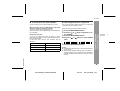
In the following cases, tracks may not be combined.
" Tracks recorded by different input modes/sources cannot be combined.
Example:
Digital recorded track and analogue recorded track.
Different recording modes (stereo recording, 2 times
long recording, 4 times long recording, monaural recording).
" Tracks whose recording time is less than 12 seconds.
40
MD-MT285E TINSE0539AWZZ
03/7/15
MD_MT285E_5.fm
TINSE0539AWZZ (UK)
The track will be moved, and the unit will be paused at
the beginning of the track.
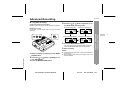
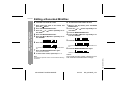
When a track has a name before dividing:
The two new tracks will have the same name. However, in
the "TOC FULL" condition, the second track may not be
named.