1
Easy Installation
Easy Installation
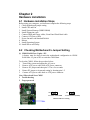
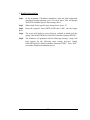
The following “Easy Installation” steps are for users accustomed to the
assembly of a computer system. For those individuals requiring more
specific information, please refer to the more detailed descriptions
located within the latter chapters of this manual.
Note: You must keep your power cable unplugged until the following
installation steps are completed.
Getting Started
Touch a grounded metal surface to discharge static electricity stored in
your body before unpacking your motherboard. For details please refer
to Precaution.
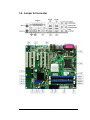
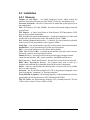
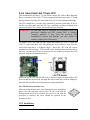
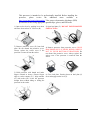
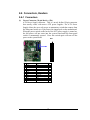
Install the CPU by correctly aligning the CPU with the socket LGA775
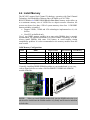
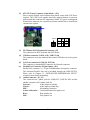
(refer to CPU Installation Section). Next, install the 1.8 volt unbuffered DDRII SDRAM into the 240 pin DIMM slots.
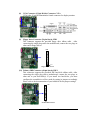
Plug in any peripheral card(s) that you want to be included in the
system (Warning : The PCIe-16 slot can only support Video Adaptor
Card, Do not plug in any other device into the PCIe-16 slot).
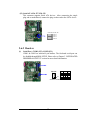
Plug in all cables included in the package except for the power cord.
Please recheck all steps to ensure no mistakes have been made and then
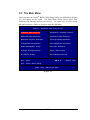
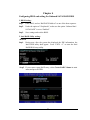
plug in the power cord and turn on the power to enter the BIOS setup,
Chapter 3.