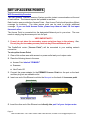
1
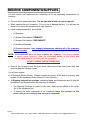
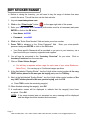
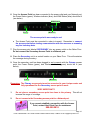
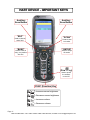
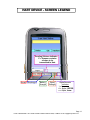
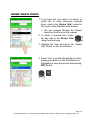
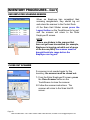
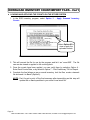
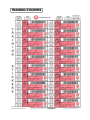
REVIEW / DELETE TICKETS 1. If you have lost your place in a sticker, or would like to verify previously scanned items, refer to the Review Grid, located in the center of the Scan Bar Code screen. You can navigate through the Review using the Arrow keys on the scanner. 2. To delete a scanned item, locate the bar code in the Review Grid using the arrow keys. 3. Highlight the item and press the “Delete Item” button, on the TouchScreen. 4. Select “Yes” to confirm the deletion by either pressing the button on the TouchScreen or highlighting it using the arrows and pressing ENT (Enter). Page 18 HAVE A QUESTION? CALL HART CLIENT CARE at 800-252-2818, or EMAIL US AT [email protected]