1
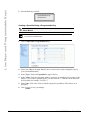
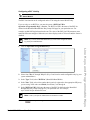
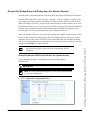
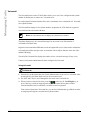
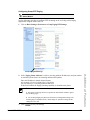
Configuring "Incoming Call Interrupts Dialing"
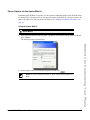
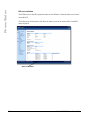
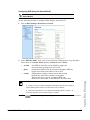
Aastra Web UI
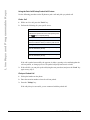
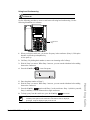
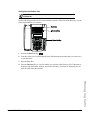
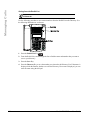
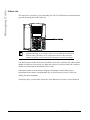
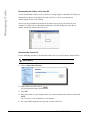
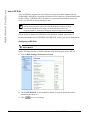
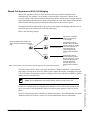
Use the following procedures to configure "Incoming Call Interrupts Dialing" on the IP Phone.
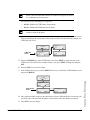
Note: "Incoming Call Interrupts Dialing" is disabled by default.
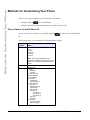
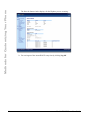
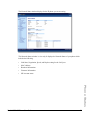
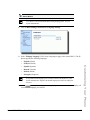
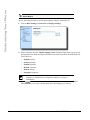
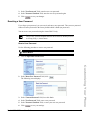
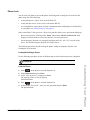
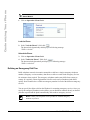
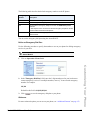
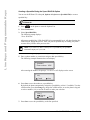
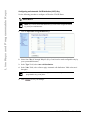
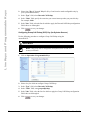
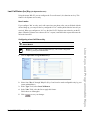
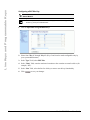
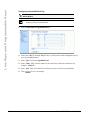
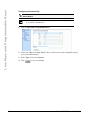
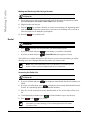
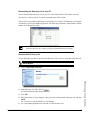
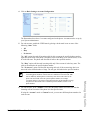
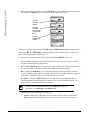
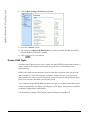
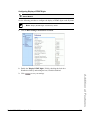
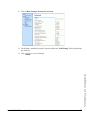
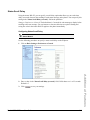
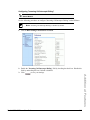
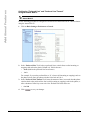
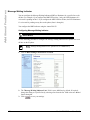
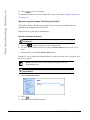
1. Click on Basic Settings->Preferences->General.
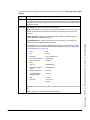
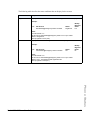
2. Enable the "Incoming Call Interrupts Dialing" field by checking the check box. Disable this
field by unchecking the box). Default is disabled.
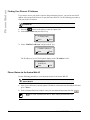
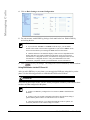
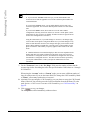
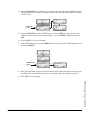
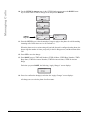
3. Click
to save your settings.
Additional Features
Model 6730i IP Phone User Guide
163