1
Troubleshooting Solutions
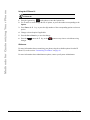
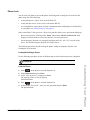
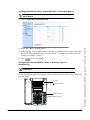
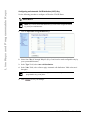
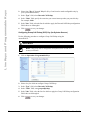
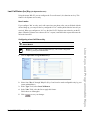
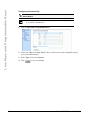
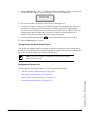
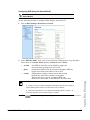
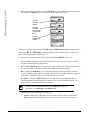
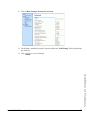
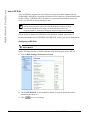
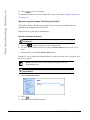
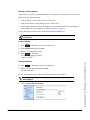
5. Click
to save your changes.
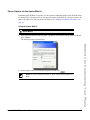
For information on how to access the Aastra Web UI, go to the section “Using the Aastra Web
UI” on page 15.
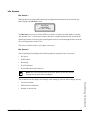
Why does my phone display "Bad Encrypted Config"?
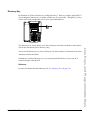
The IP phone displays "Bad Encrypted Config" because encrypted configuration files are
enabled but the decryption process has failed.
Report this error to your System Administrator.
How do I restart the IP phone?
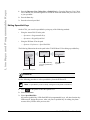
IP Phone UI
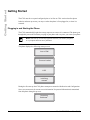
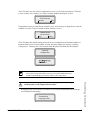
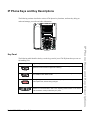
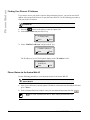
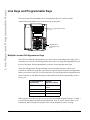
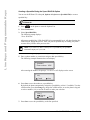
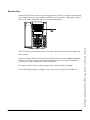
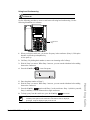
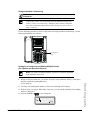
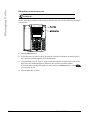
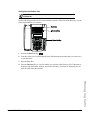
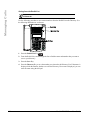
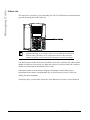
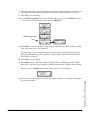
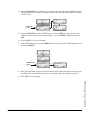
1. Press the
Options
button on the phone to enter the Option List.
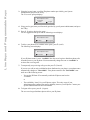
2. Use the 2 key to scroll down the list of options to Phone Status and press the 4. key to
select.
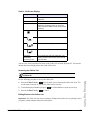
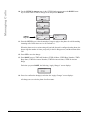
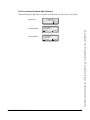
3. Press the 2 key to scroll to the Restart Phone option.
Press the 4. key to confirm and restart the phone. If you do not wish to restart your phone, press
the 3 key to cancel.
Note: Your phone is out of service temporarily during the restart and
downloading process.
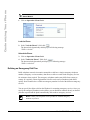
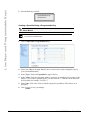
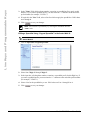
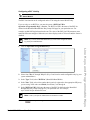
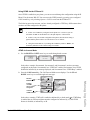
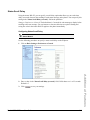
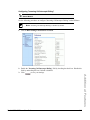
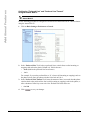
Aastra Web UI
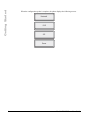
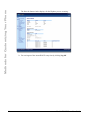
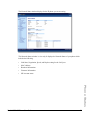
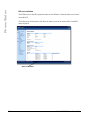
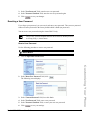
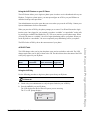
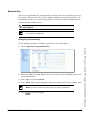
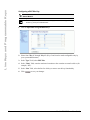
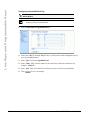
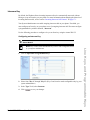
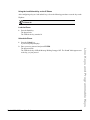
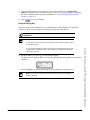
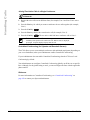
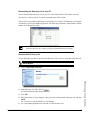
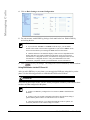
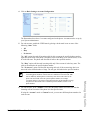
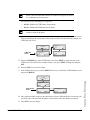
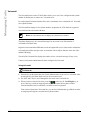
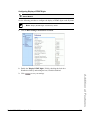
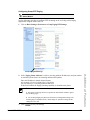
1. Click on Operation->Reset.
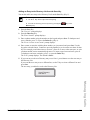
2. Click
.
3. Click OK at the confirmation prompt.
192
Model 6730i IP Phone User Guide