1
•
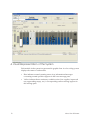
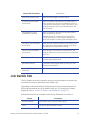
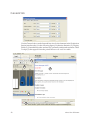
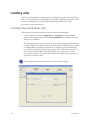
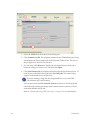
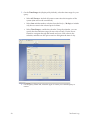
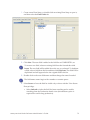
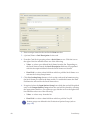
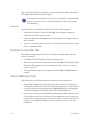
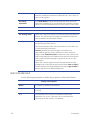
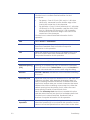
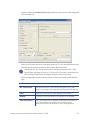
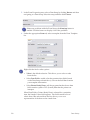
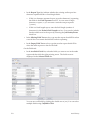
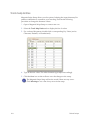
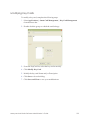
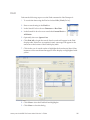
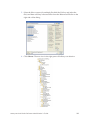
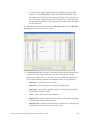
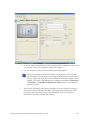
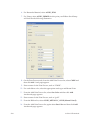
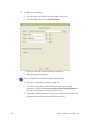
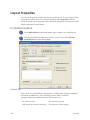
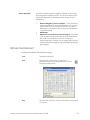
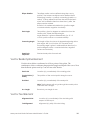
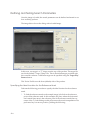
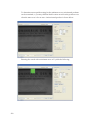
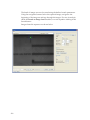
Browse - References files for field data types that are not easily added
using the keyboard or Cut and Paste. For example: Binary, Graphics,
Smart Card, and Magnetic Stripe content.
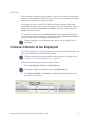
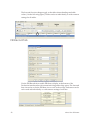
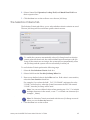
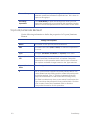
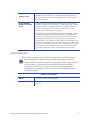
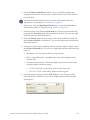
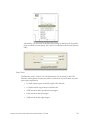
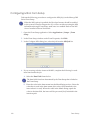
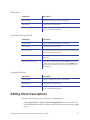
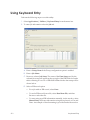
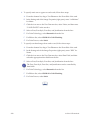
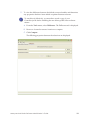
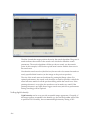
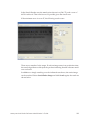
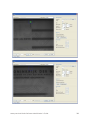
B. The Records box at the bottom of the screen provides quick access to add
and clear records displayed in the Data Fields Table on the Records Tab as
well as navigation tools.
•
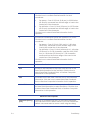
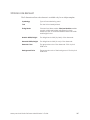
Clear - Clears the data currently displayed.
•
Add - Adds a record of the data currently displayed.
•
Add Multiple - Adds multiple records of the data currently
displayed.
•
Remove - Removes the record currently displayed.
•
Remove All - Removes all records.
•
Navigation Buttons - Navigate through the records.
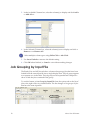
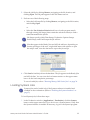
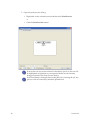
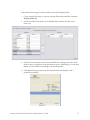
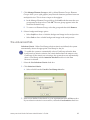
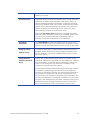
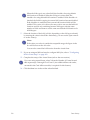
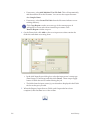
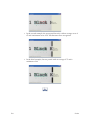
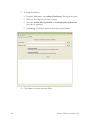
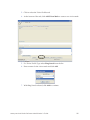
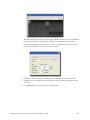
4. When all records are defined, load the job using the Load button on the
bottom right side of the screen. When the job is loaded, it is committed to disk
and will appear in Ready jobs as any other job.
The defined records can be adjusted and loaded again as needed
after testing or proofing.
214
Keyboard Entry