1
5
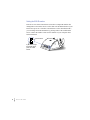
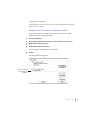
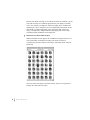
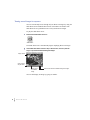
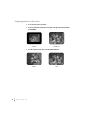
Double-click the icon of the image you want to see.
The image appears in a window.
Unless you have already specified a graphics program you want to have open
Photo CD images, the image will be opened by TeachText.
If you prefer, you can have Photo CD images opened by your favorite
graphics program. See “Setting Preferences for How Photo CD Images are
Displayed” later in this chapter.
U
S I N G
P
H O T O
C D
S
W
I T H
A
M
A C I N T O S H
C
O M P U T E R
29