1
108
3500 VRC Operator’s Manual
Upload Software
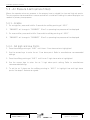
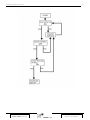
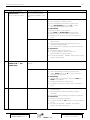
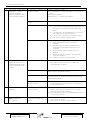
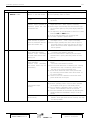
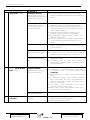
New or updated canlink software can be uploaded into the canlink and pod straight from the data
card.
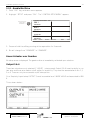
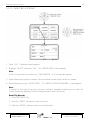
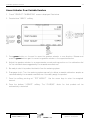
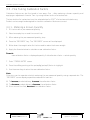
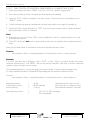
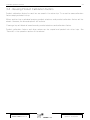
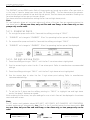
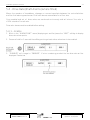
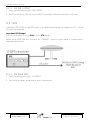
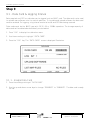
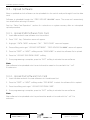
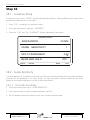
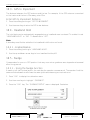
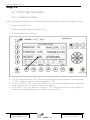
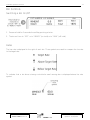
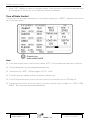
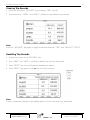
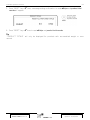
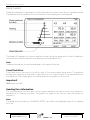
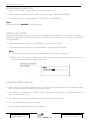
Software is uploaded through the “FIELD UPLOAD V#.##.##” menu. The screen will momentarily
turn black before entering this menu.
Note
The unit will be put on hold when entering the "FIELD UPLOAD" screen. Processes such as auto
control to an application map will resume once the "FIELD UPLOAD" screen is exited.
Important! - Uploading New Software Precautions
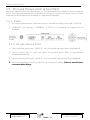
?? Software upload will delete existing calibration and configuration settings. Write down current
calibration and configuration settings before uploading new software.
?? To abort the upload procedure, switch the canlink off and then back on.
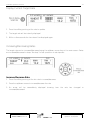
If Power is Disconnected During Upload
1. Disconnect canlink power. Reconnect canlink power.
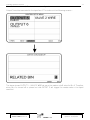
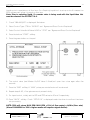
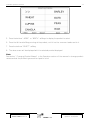
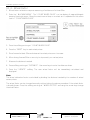
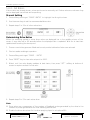
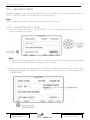
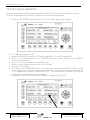
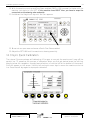
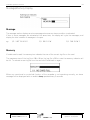
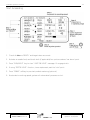
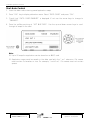
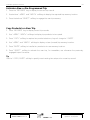
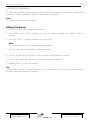
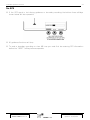
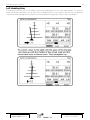
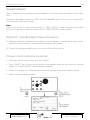
2. Press “ON/OFF” key. As soon as the Farmscan logo appears, press the right most ‘up’ pointing
softkey. The “FIELD UPLOAD” screen appears. See below.
3. If there is no display, wait a few seconds and use left and right arrow keys to adjust contrast.
4. Restart upload software procedure.
V5.00.26
October 2006 Revision M
Part No. : AM-3500V/M/SIMV5
Updated : 12/10/2006