1
Chapter 4
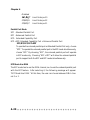
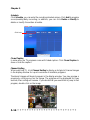
select Enabled for automatic detection of the optimal number of block read/
writes per sector the drive can support. Settings: Enabled, Disabled.
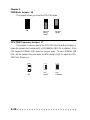
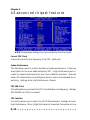
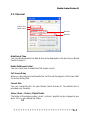
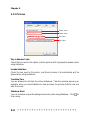
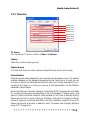
Onboard Device
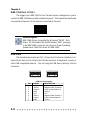
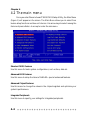
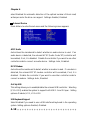
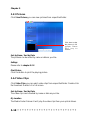
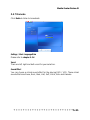
Press <Enter> to enter the sub-menu and the following screen appears:
AC97 Audio
Auto allows the mainboard to detect whether an audio device is used. If an
audio device is detected, the onboard AC’97 (Audio Codec’97) controller will
be enabled; if not, it is disabled. Disable the controller if you want to use other
controller cards to connect an audio device. Settings: Auto, Disabled.
MC97 Modem
Auto allows the mainboard to detect whether a modem is used. If a modem is
detected, the onboard MC’97 modem controller will be enabled; if not, it is
disabled. Disable the controller if you want to use other controller cards to
connect a modem. Settings: Auto, Disabled.
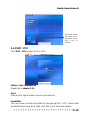
OnChip USB
This setting allows you to enable/disable the onboard USB controller. Selecting
[V1.1+V2.0] enables the system to support both USB 1.1 and 2.0 spec. Setting
options: Disabled, V1.1, V1.1+V2.0.
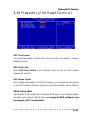
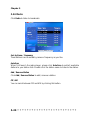
USB Keyboard Support
Select Enabled if you need to use a USB-interfaced keyboard in the operating
system. Setting options: Enabled, Disabled.
4-18