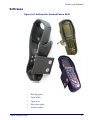
1
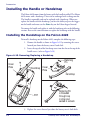
Installing the Handle or Handstrap
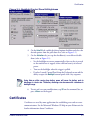
4. Connect the handstrap hook onto one of the strap studs at the base of
the Falcon.
5. The process is complete upon successful test of the scanning function.
Installing a Handle on the Falcon 4410
To install the handle on the Falcon 4410, complete the following steps:
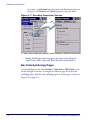
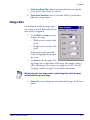
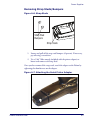
1. Remove the handstrap as shown in Figure A-10 by removing the
screws located just above the battery cover’s latch dials.
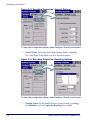
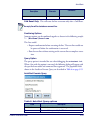
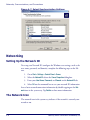
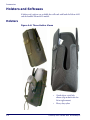
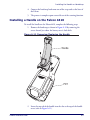
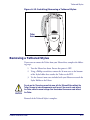
Figure A-11. Removing/Replacing the Handle
Handle
PDT
2. Insert the top tab of the handle into the slot at the top of the handle
recess (refer to Figure A-11).
Product Reference Guide
A-9