1
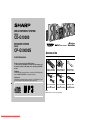
CD-G10000
CP-G10000S
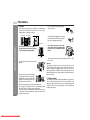
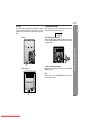
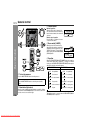
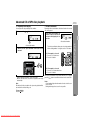
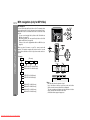
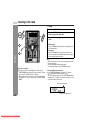
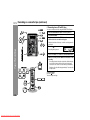
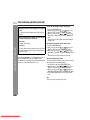
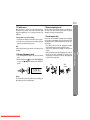
Press the ON/STAND-BY button to turn the power on.
4
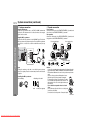
Place the disc on the disc tray 1, label side up.
Press the CD button.
Press the
1 button and within 5 seconds, press the
OPEN/CLOSE button to open the disc tray 1.
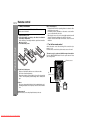
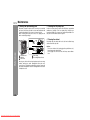
Be sure to place 3" (8 cm) disc in the middle of the disc trays.
5" (12 cm)
5
3" (8 cm)
Press the OPEN/CLOSE button to close the disc tray 1.
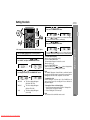
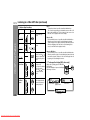
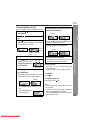
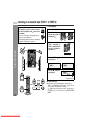
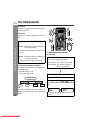
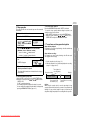
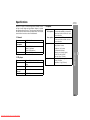
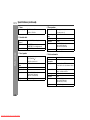
[CD]
[MP3]
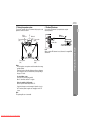
Total number of
tracks on the disc
whose number
is flashing
Total playing
time of the disc
whose number
is flashing
MP3 disc indicator
Total number
of folders
Total number
of files
z Due to the structure of its disc information, it takes longer to
read an MP3 disc than a normal CD (approximately 20 to 90
seconds).
6
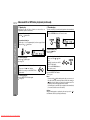
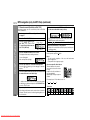
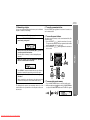
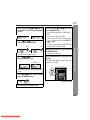
You can place discs on the trays 2 - 5 by following steps 3
- 5.
7
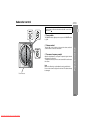
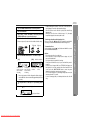
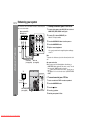
Press the
/
z Playback will begin from track 1 on the disc 1. After that disc finishes playing, the next disc will automatically play.
z After the last track on the fifth disc is played, the unit will stop
automatically.
z When there is no disc in one of the disc trays (1 - 5), the empty
tray will be skipped to the next tray with a disc.
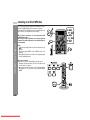
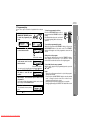
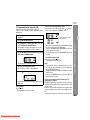
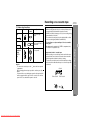
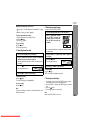
To exchange other discs while playing a disc:
Press one of the 1 - 5 buttons for the stopped disc and within 5
seconds, press the OPEN/CLOSE button and exchange discs.
To remove the discs:
In the stop mode, press the 1 press the OPEN/CLOSE button.
5 button and within 5 seconds,
Caution:
z Do not place two discs in one disc tray.
z Do not play discs of special shapes (heart, octagon, etc.) as it
may cause malfunctions.
z Do not push the disc tray while it is moving.
z If the power fails while the tray is open, wait until the power is
restored.
z If the disc tray is stopped with force, "ER-CD20" will appear on
the display for 3 seconds and the unit will not function. If this
occurs, press the ON/STAND-BY button to enter the power
stand-by mode and then turn the power on again.
z If TV or radio interference occurs during CD operation, move the
unit away from the TV or radio.
z If a disc is damaged, dirty, or loaded upside down, the disc will
skip.
CD or MP3 disc Playback
1
2
3
button to start playback.
Disc play indicator
21
Downloaded From Disc-Player.com Sharp Manuals