1
C H A P T E R
7
Controls and Other Protos
Gauge and Slider Protos
7
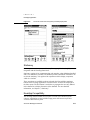
You can use the gauge and slider protos described in this section to display gauges.
Each slider presents a gauge view that indicates the current progress in relation to
the entire operation. There are three protos and one view class available for
defining sliders:
■
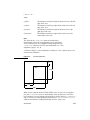
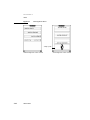
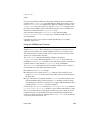
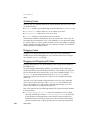
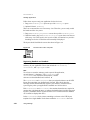
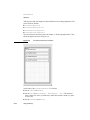
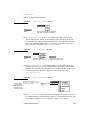
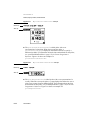
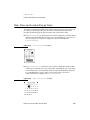
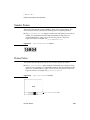
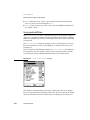
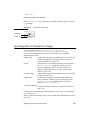
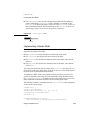
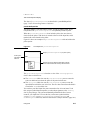
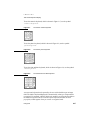
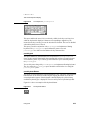
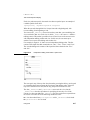
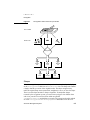
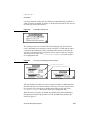
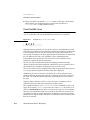
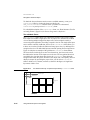
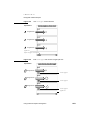
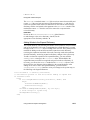
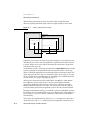
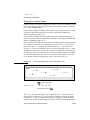
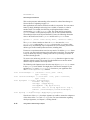
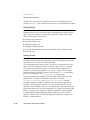
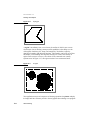
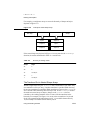
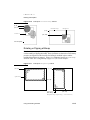
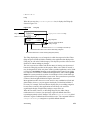
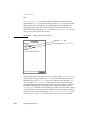
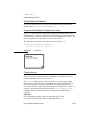
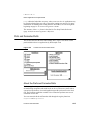
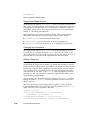
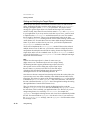
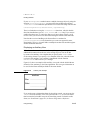
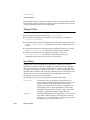
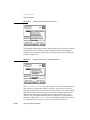
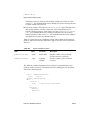
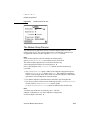
The protoSlider creates a user-settable gauge view, which looks like an
analog bar gauge with a draggable diamond-shaped knob. For more information
about the slots and methods for this proto, see “protoSlider” (page 6-33) in
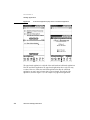
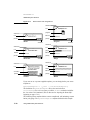
Newton Programmer’s Reference. Figure 7-17 shows an example of a
protoSlider view.
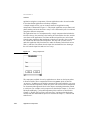
Figure 7-17
A protoSlider view
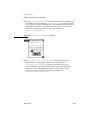
Large Close Box
■
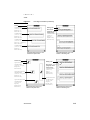
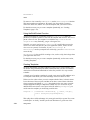
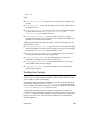
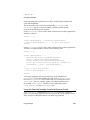
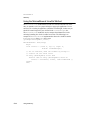
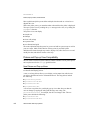
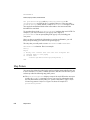
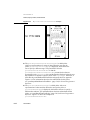
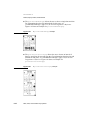
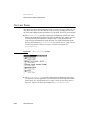
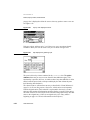
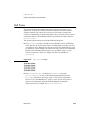
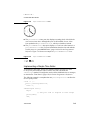
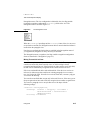
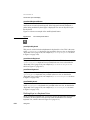
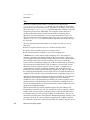
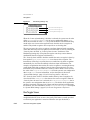
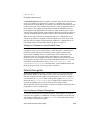
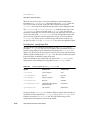
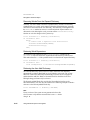
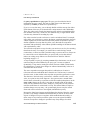
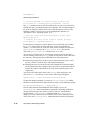
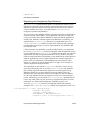
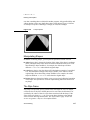
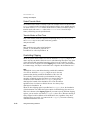
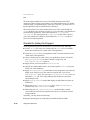
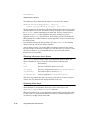
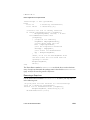
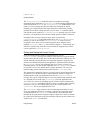
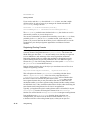
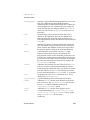
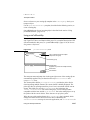
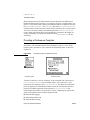
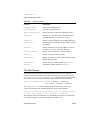
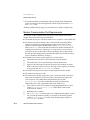
The protoGauge creates a read-only gauge view. For more information about
the slots and methods for this proto, see “protoGauge” (page 6-35) in Newton
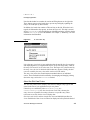
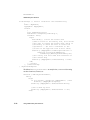
Programmer’s Reference. Figure 7-18 shows an example of a protoGauge
view.
Figure 7-18
■
A protoGauge view
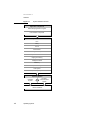
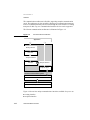
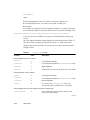
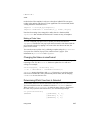
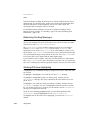
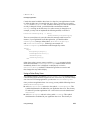
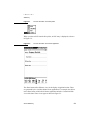
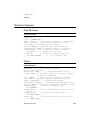
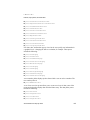
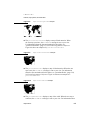
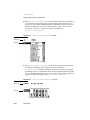
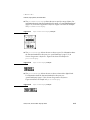
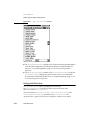
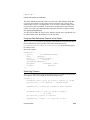
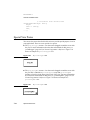
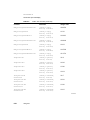
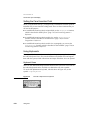
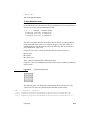
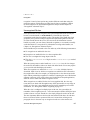
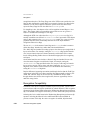
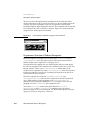
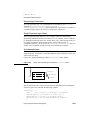
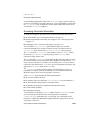
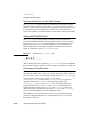
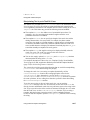
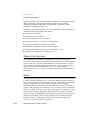
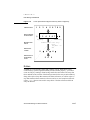
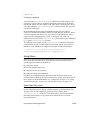
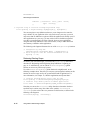
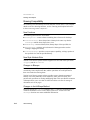
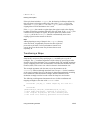
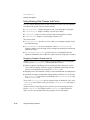
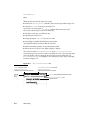
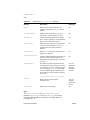
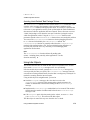
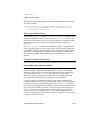
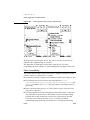
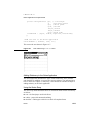
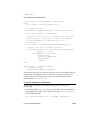
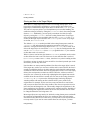
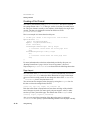
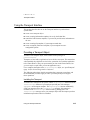
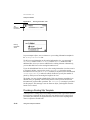
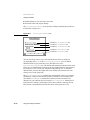
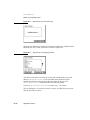
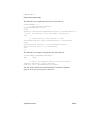
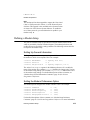
The protoLabeledBatteryGauge creates a read-only gauge view that
periodically samples the system battery and graphically shows the amount of
power left. For more information about the slots and methods for this proto, see
“protoLabeledBatteryGauge” (page 6-37) in Newton Programmer’s Reference.
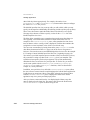
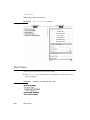
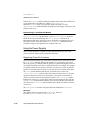
Figure 7-19 shows an example of a protoLabeledBatteryGauge view.
Figure 7-19
A protoLabeledBatteryGauge view
Battery gauge
7-12
Battery charging
Gauge and Slider Protos