1
Printer Setup
Select a Data Communication Interface
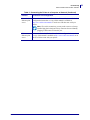
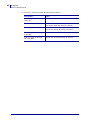
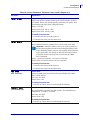
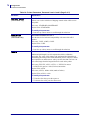
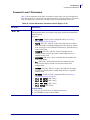
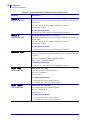
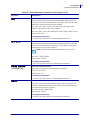
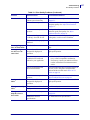
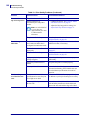
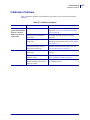
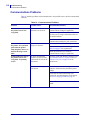
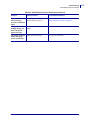
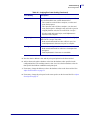
Table 6 • Connecting the Printer to a Computer or Network (Continued)
6/15/09
Interface
Connection and Configuration
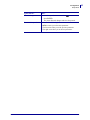
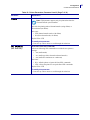
Internal wired
Ethernet print
server
Refer to the ZebraNet 10/100 Print Server User and Reference Guide for
configuration instructions. A copy of this manual is available at
http://www.zebra.com/manuals or on the user CD that came with your
printer.
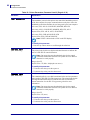
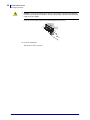
Note • To use this connection, you may need to remove a factoryinstalled plug that is designed to keep someone from accidentally
plugging a USB connector into this port.
Wireless
Ethernet print
server
Refer to the ZebraNet Wireless User Guide for configuration instructions.
A copy of this manual is available at http://www.zebra.com/manuals or on
the user CD that came with your printer.
S4M User Guide
13290L-004 Rev. A
29