Download 170PAX4 User Guide - Zebra Technologies Corporation
Transcript
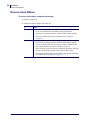
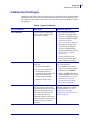
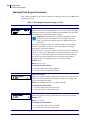
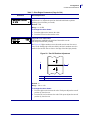
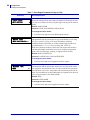
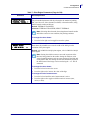
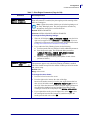
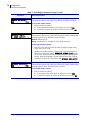
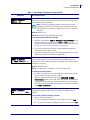
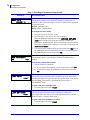
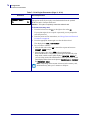
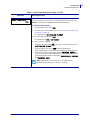
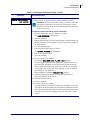
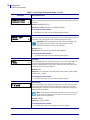
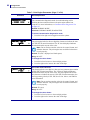
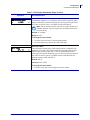
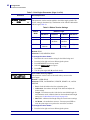
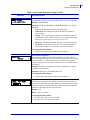
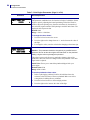
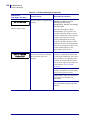
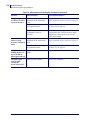
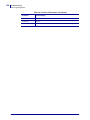
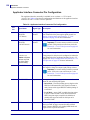
Configuration Setup Mode Exit Setup Mode When you exit setup mode, you have several options for saving, changing, or not changing parameters. To leave Setup mode, complete these steps: 1. While in Setup mode, press SETUP/EXIT. The LCD displays SAVE CHANGES. 2. Press the left or right oval to display the save options: LCD Description PERMANENT Stores values in the print engine even when power is turned off. TEMPORARY Saves the changes until power is turned off. CANCEL Cancels all changes made since you entered Setup mode, except for changes made to the darkness and tear-off settings, which go into effect as soon as they are made. LOAD DEFAULTS Restores all parameters other than the network settings back to the factory defaults. Use care when loading defaults because you will need to reload all settings that you changed manually. Note • On non-RFID printers, loading factory defaults causes the print engine to auto-calibrate. LOAD LAST SAVE Loads values from the last permanent save. DEFAULT NET Restores the wired and wireless network settings back to factory defaults. 3. Press NEXT to select the displayed choice. When the configuration and calibration sequence is done, PRINTER READY displays. 6/29/11 170PAX4 User Guide 57516L-004 Rev. A 59