1
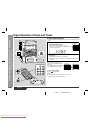
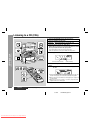
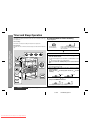
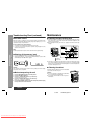
Listening to a Cassette Tape (TAPE 1)
1
2
3
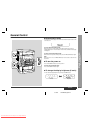
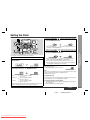
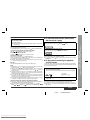
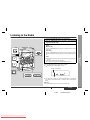
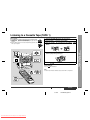
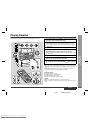
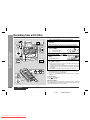
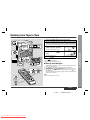
Press the ON/STAND-BY button to turn the power on.
4
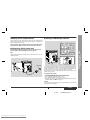
Load a cassette into the TAPE 1 cassette compartment with the
side to be played facing toward you.
5
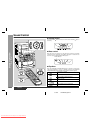
Press the
2) button to select TAPE 1.
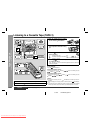
Open the cassette door by pushing the area marked "
EJECT".
(
/SELECT/RESUME) button to start playback.
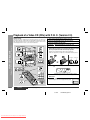
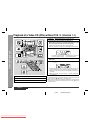
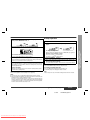
To stop playback:
Press the
( /RETURN) button.
Note:
You cannot fast-forward or rewind the cassette in the TAPE 1 compartment.
Sound Control (See page 13.)
01/4/26
Downloaded From Disc-Player.com Sharp Manuals
PUSH
ENGLISH
CD-BK260V(S)E4.fm
Tape Playback
Press the TAPE (1
- Listening to a Cassette Tape (TAPE 1) -
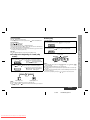
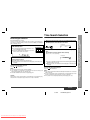
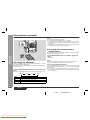
Before playback:
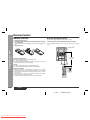
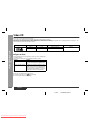
! For playback, use normal or low-noise tapes for the best sound.
(Metal or CrO tapes are not recommended.)
! Do not use C-120 tapes or poor-quality tapes, as they may cause malfunctions.
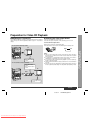
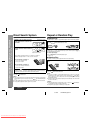
! Before loading a tape into the cassette compartment, tighten the slack
with a pen or a pencil.
E-34