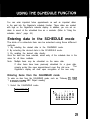
1
The telephone directory stores the names, telephone numbers, and addresses of business clients, companies, personal friends and so on.
The Organizer’s telephone directory is actually three different telephone
directories in one (TELl, TEL2, and TEL3) for keeping business, private,
and other listings separate.
Designating the file names
The file names for the different directories (business, private, etc.) can be
input from the miscellaneous function mode. Input directory file names of
10 letters or less as follows:
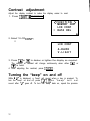
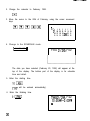
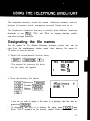
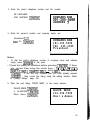
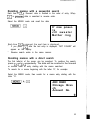
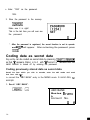
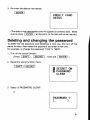
1. Recall the miscellaneous function menu.
(The prompt for entering the directory file name will appear.)
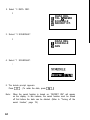
TEL FILENAME
TEL 1
TEL 2
TEL 3
I
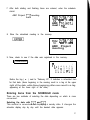
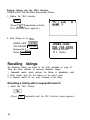
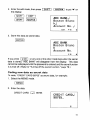
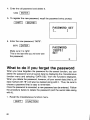
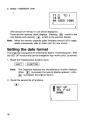
2. Store the directory file names.
1x1 Business -1
[XlPrivate -1
*
*
*
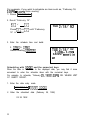
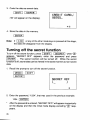
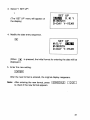
If you do not wish to assign a file name to a directory, skip this step by
pressing (7XiEi?J .
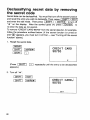
To discontinue the entry of a directory file name, press IItwice.
When “CAPS” appears on the display, capital letters are entered, and
53