1
Installation
Installation
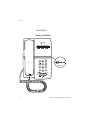
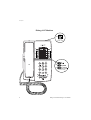
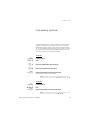
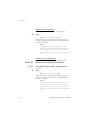
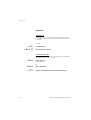
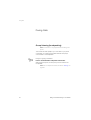
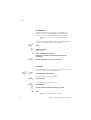
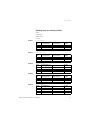
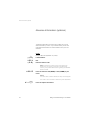
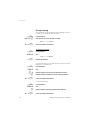
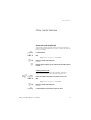
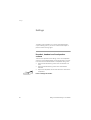
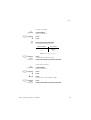
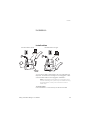
Install cables
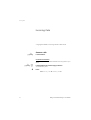
Handset cable to the left
Handset cable to the right
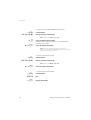
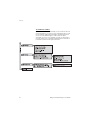
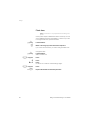
You can put the cable to the handset in the notch underneath the
telephone. The cable to the exchange has to be plugged in “LINE”
and the handset cable has to be plugged in “HANDSET”.
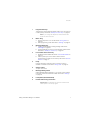
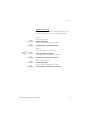
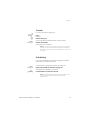
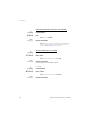
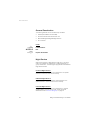
Note: The headset and the data port connections are for
use with the Dialog 4147 phone only. For headset servicing
and replacement, contact your local service centre or
retailer shop.
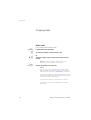
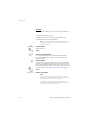
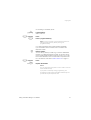
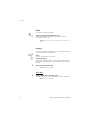
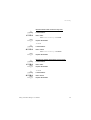
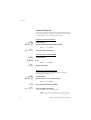
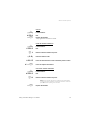
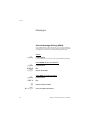
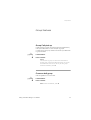
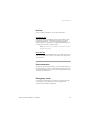
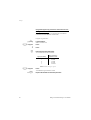
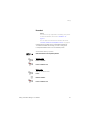
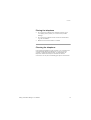
To change cables:
Use a screwdriver to unlock the stop, and remove the cable.
Dialog 4106 Basic/Dialog 4147 Medium
69