1
Onzen Technical Guide North American Topside
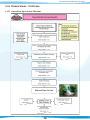
Steps to help Set Filtration Duration and Filtration Cycles & Stabilise Water
Step 4. Stabilise Spa Water
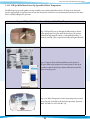
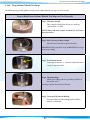
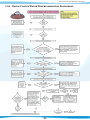
Once Filtration cycles and filtration duration low level settings have been
programmed place the insulated cover on the spa and allow the water
temperature to stabilize (approximately 16 hours). Make sure you secure
the cover in place using the cover locks. Periodically check the spa water
temperature. When the water temperature climbs above 85°F, (29°C)
proceed to the next step.
Note: As heat impacts both Calcium and Total Alkalinity a little it
is best to heat the water above 29°C (85°F) before
advancing to Establishing Correct Water Chemistry.
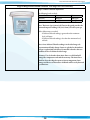
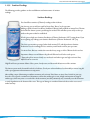
Over Temp During Filter Cycle
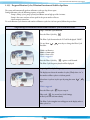
In order to prevent excessive water temperatures due to long Filter cycles during warm weather, the system has a special
safeguard.
If the water temperature exceeds the set point by more then 2º F (1ºC), the system will cancel the Filter cycle and the
Filter cycle icon will blink for the remainder of the filter cycle.
The Filter cycle icon blink pattern will be: ON for 1/2 second, OFF for 1/2 second, ON for 1/2 second, and then
finally OFF for 1 1/2 seconds. This sequence will then repeat.
The filtration cycle will automatically reset itself once the water temperature falls below the set point.
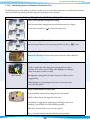
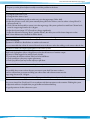
Filter Cycle Suspension
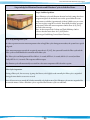
During a Filter cycle, if an accessory (a pump, the blower, or the light) is used manually, the Filter cycle is suspended
during the time that the accessories are used.
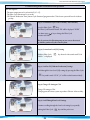
Once all accessories are turned off (whether manually or by built-in timer), the Filtration cycle remains suspended for
an extra 40 minutes. When a Filtration cycle is suspended the Filtration cycle icon will blink.
13