1
VLAN
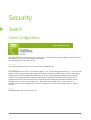
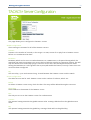
VLAN Membership Configuration
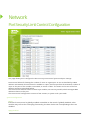
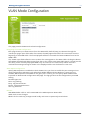
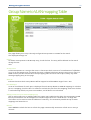
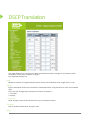
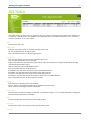
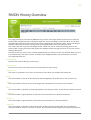
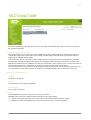
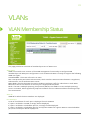
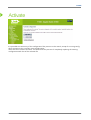
The VLAN membership configuration for the switch can be monitored and modified here. Up to 4096
VLANs are supported. This page allows for adding and deleting VLANs as well as adding and deleting
port members of each VLAN.
Navigating the VLAN Table
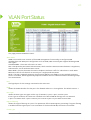
Each page shows up to 99 entries from the VLAN table, default being 20, selected through the "entries
per page" input field. When first visited, the web page will show the first 20 entries from the beginning
of the VLAN Table. The first displayed will be the one with the lowest VLAN ID found in the VLAN Table.
The "VLAN" input fields allow the user to select the starting point in the VLAN Table. Clicking the button
will update the displayed table starting from that or the closest next VLAN Table match. The will use the
last entry of the currently displayed VLAN entry as a basis for the next lookup. When the end is reached
the text "No more entries" is shown in the displayed table. Use the button to start over.
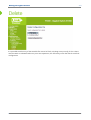
Delete
To delete a VLAN entry, check this box. The entry will be deleted during the next Save.
VLAN ID
Indicates the ID of this particular VLAN.
VLAN Name
Indicates the name of the VLAN. Maximum length of the VLAN Name String is 32. VLAN Name can be
null. If it is not null, it must contain alphabets or numbers. At least one alphabet must be present in a
non-null VLAN name. VLAN name can be edited for the existing VLAN entries or it can be added to the
new entries.
127