1
User’s Manual: SW-24400
4
5
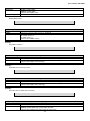
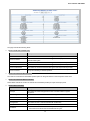
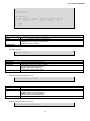
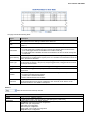
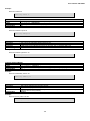
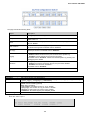
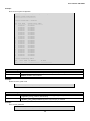
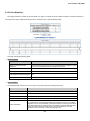
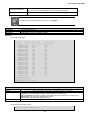
v2c
usm
private
default_user
default_rw_group
default_rw_group
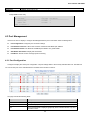
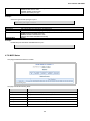
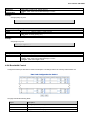
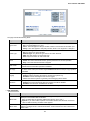
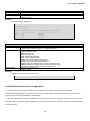
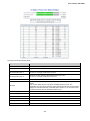
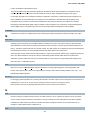
Number of entries: 4
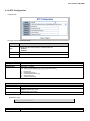
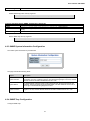
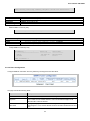
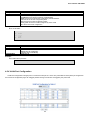
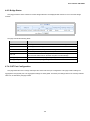
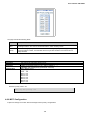
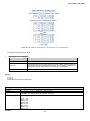
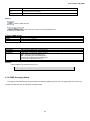
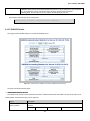
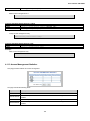
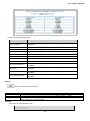
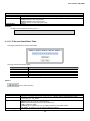
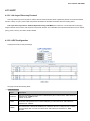
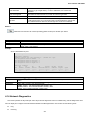
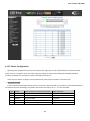
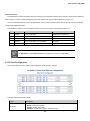
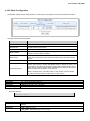
4.2.5.4 Views Configuration
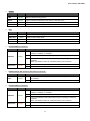
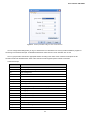
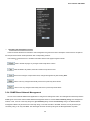
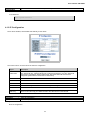
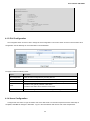
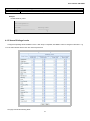
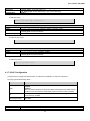
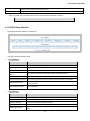
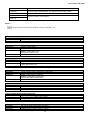
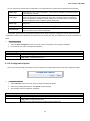
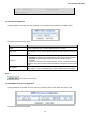
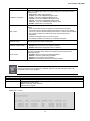
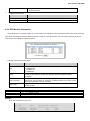
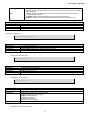
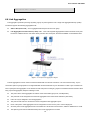
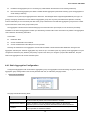
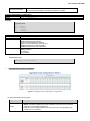
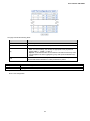
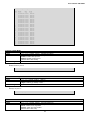
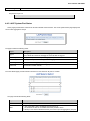
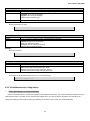
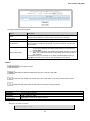
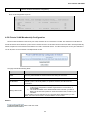
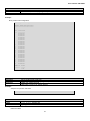
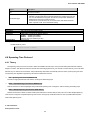
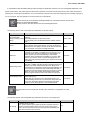
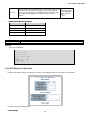
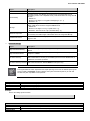
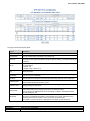
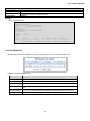
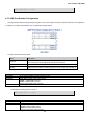
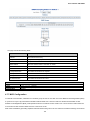
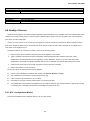
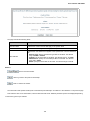
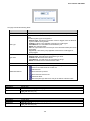
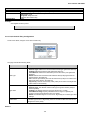
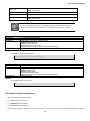
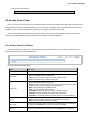
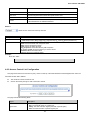
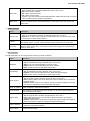
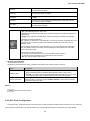
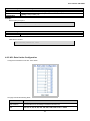
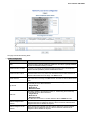
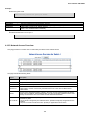
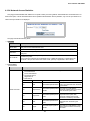
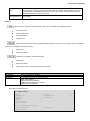
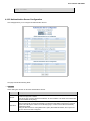
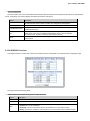
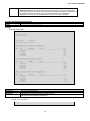
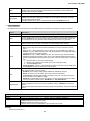
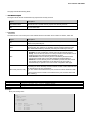
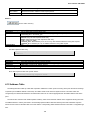
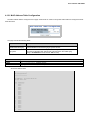
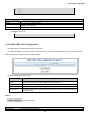
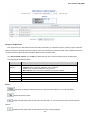
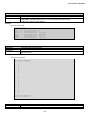
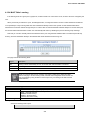
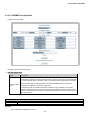
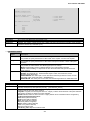
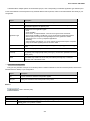
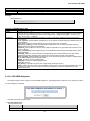
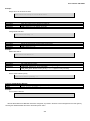
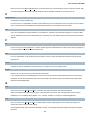
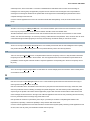
Configure SNMPv3 views table. The entry index keys are View Name and OID Subtree. The SNMPv3 Views
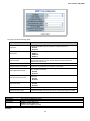
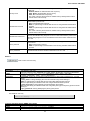
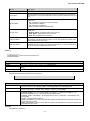
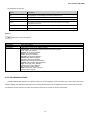
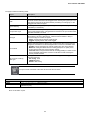
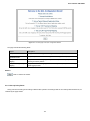
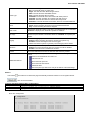
The page includes the following fields:
Object
Description
Delete
Check to delete the entry. It will be deleted during the next save.
View Name
A string identifying the view name that this entry should belong to. The allowed
string length is 1 to 32, and the allowed content is the ASCII characters from 33 to
126.
View Type
Indicates the view type that this entry should belong to. Possible view types are:
Included: An optional flag to indicate that this view subtree should be included.
Excluded: An optional flag to indicate that this view subtree should be
excluded.
In general, if a view entry's view type is 'excluded', another view entry should exist
where the view type is 'included' and its OID subtree oversteps the 'excluded' view
entry.
OID Subtree
The OID defining the root of the subtree to add to the named view. The allowed
OID length is 1 to 128. The allowed string content is digital number or asterisk(*).
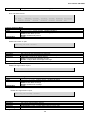
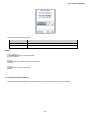
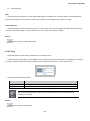
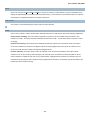
Buttons
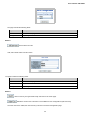
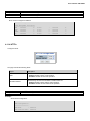
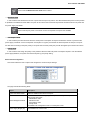
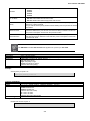
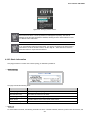
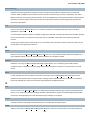
: Click to add a new view entry.
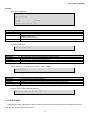
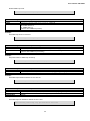
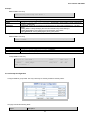
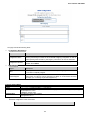
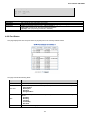
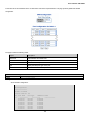
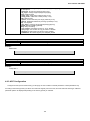
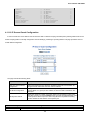
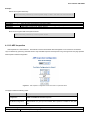
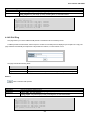
4.2.5.5 SNMPv3 Accesses Configuration
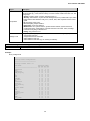
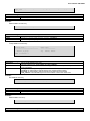
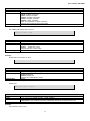
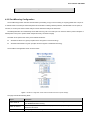
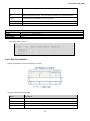
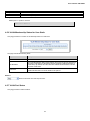
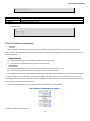
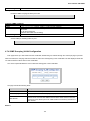
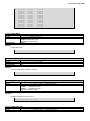
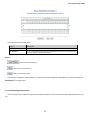
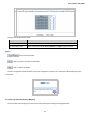
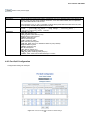
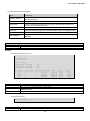
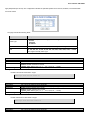
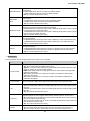
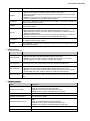
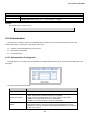
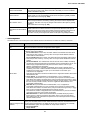
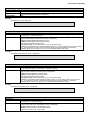
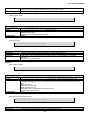
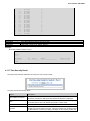
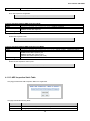
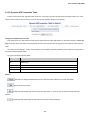
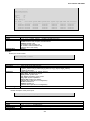
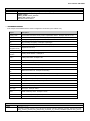
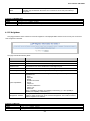
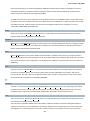
Configure SNMPv3 access table. The entry index keys are Group Name, Security Model and Security Level.
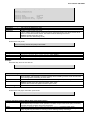
The page includes the following fields:
66