1
AA G610.book Page 119 Monday, October 22, 2001 9:46 AM
119
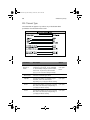
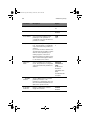
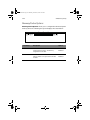
Parameter
Description
Option
Single
Processor MP
Table
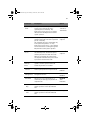
Enabling this parameter allows BIOS to
create a multiprocessor (MP) table for
Windows NT use. In a single-processor
system running Windows NT, you may
disable this parameter to enhance system
performance. If you install another CPU
for a dual system, enable this parameter
then reinstall Windows NT.
Enabled
Disabled
In cases when this parameter is enabled
before installing Windows NT in a singleprocessor system, you may upgrade to a
multiprocessor system without reinstalling
Windows NT.
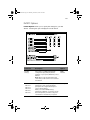
MP Table
Version
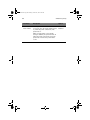
This parameter allows you to choose the
version of the multiprocessor
specifications.
V1.4
V1.1
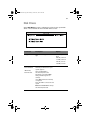
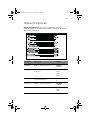
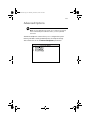
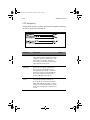
Chipset Settings
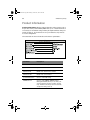
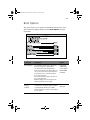
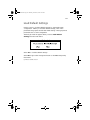
The Chipset Settings page is a hidden page to end-users. Press
Alt + F4 while viewing the BIOS Setup main menu in BIOS Setup main
menu for the Advanced Options page to display Chipset Settings.
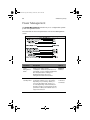
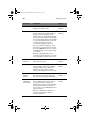
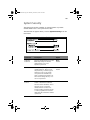
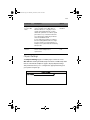
This parameter allows you to configure the appropriate timings for
your system’s chipset logic.