1
Using your machine with a Macintosh®
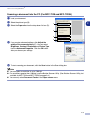
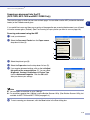
Using the Brother printer driver with your Apple® Macintosh®
(Mac OS® X)
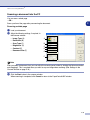
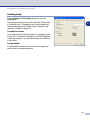
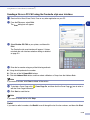
Choosing page setup options
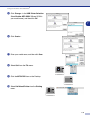
1
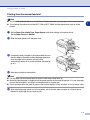
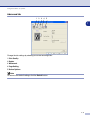
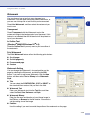
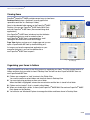
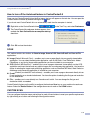
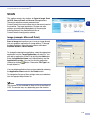
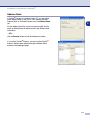
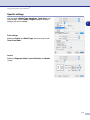
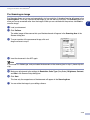
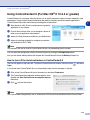
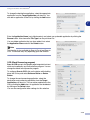
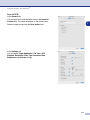
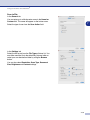
From application software such as TextEdit, click the File
menu and select Page Setup. Make sure MFC-XXXX
(Where XXXX is your model name) is selected in the
Format for pop-up menu. You can change the settings
for Paper Size, Orientation and Scale, then click OK.
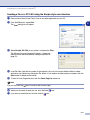
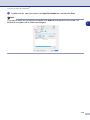
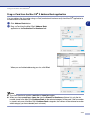
2
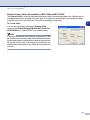
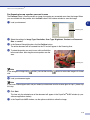
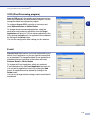
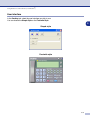
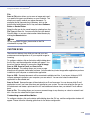
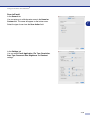
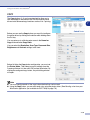
From application software such as TextEdit, click the File
menu and select Print. Click Print to start printing.
7
7-2