1
Connection to the PbX
1.3
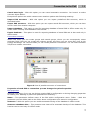
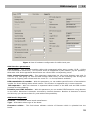
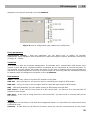
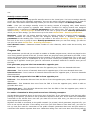
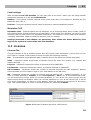
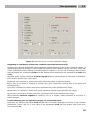
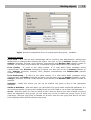
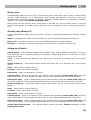
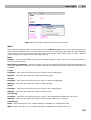
Delete autosave item older – This parametr sets maximum time for keeping old database backups
in the storage folder. This function can be used only for offline mode.
Autosynchronization – This option enables automatic synchronization between offline database and
database in the PbX. This function can be used only for offline mode. If it is active then these modes
are used : Loading from PbX if the offline database is empty. Screen changes if the database was
already synchronized, identifier matches and the option Database from autosave wasn't chosen.
Dialogue for synchronization type selection is invoked in all other events. If autosynchronization is
inactive, dialogue is invoked always.
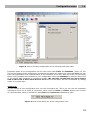
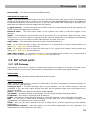
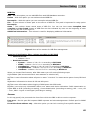
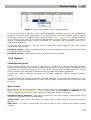
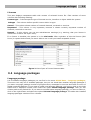
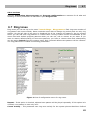
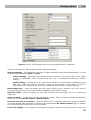
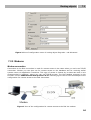
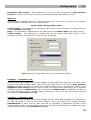
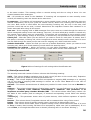
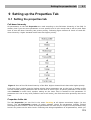
Figure 3 View of the properties setting of the PbX.
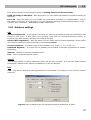
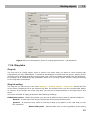
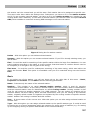
Connection properties
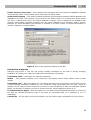
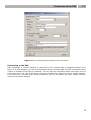
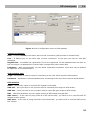
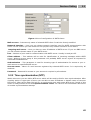
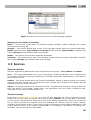
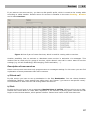
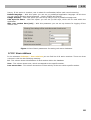
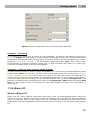
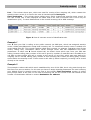
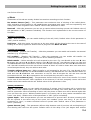
Dialogue from figure 4 you can see during creating connection to the PbX or during changing
properties of existing one. Meaning of partucular parameters is following:
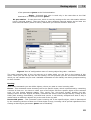
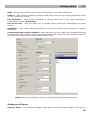
Connection name – Sets name for selected connection.
Modes – This parametr defines if this connection will support online mode, offline mode or both
modes.
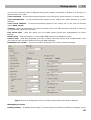
Connection type – With this option you can define concrete type of connection to the PbX. You can
choose between interfaces installed on your computer. Most connections will use type TCP/IP or
modem. In the case of TCP/IP connection you have to enter IP address of CPU and used port (default
6992). In the case of modem you have to choose that one, which supports protocol X.75.
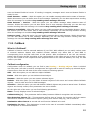
If unsuccessful try again – With this option you can define interval between attempts to connect to
the PbX via selected connection type in the case of inaccessible PbX (it is switched of or it is
restarting).
Connect as – For the case of secured connection you can define login and password in this section.
8