1
Setting Up a Network
7
Other computers can be connected to the Router to form a network, which
allows the computers to transfer files, communicate with each other, and share an
Internet connection. The networked computers can be connected to the Router in
three ways: Ethernet, USB, or wirelessly.
Ethernet
☞
Note: An additional computer can be added to the Router’s network via Ethernet only if the first computer was connected to the
Router via USB (leaving the Router’s Ethernet port free). If the
first computer was connected to the Router via Ethernet, additional computers can be connected to the Router via USB
or wirelessly.
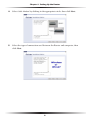
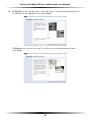
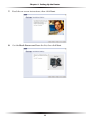
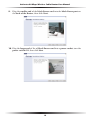
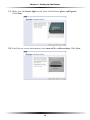
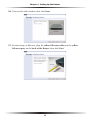
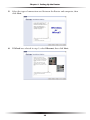
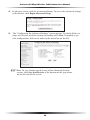
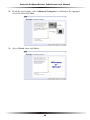
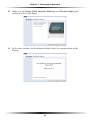
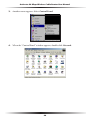
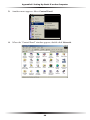
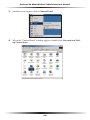
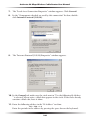
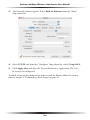
1. Insert the Installation Buddy CD in the CD-ROM drive of the computer.
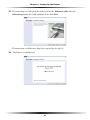
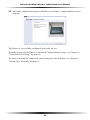
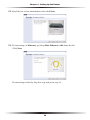
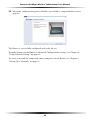
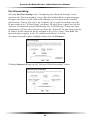
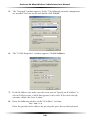
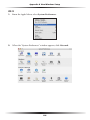
The Installation Buddy starts automatically. Wait until the following screen
appears, read the on-screen instructions, select the service provider by clicking
in the appropriate circle, then click Next.
67