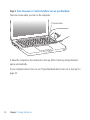
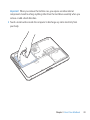
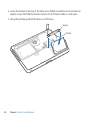
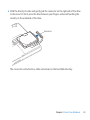
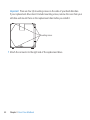
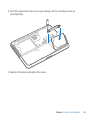
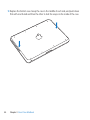
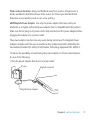
8 Insert the replacement drive at an angle, making sure the mounting screws are seated properly.
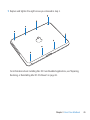
9 Replace the bracket and tighten the screws.
Chapter 3 Boost Your MacBook
43