1
Using the Quick Start Buttons
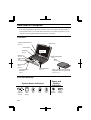
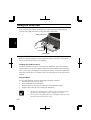
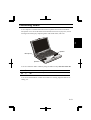
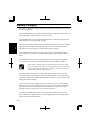
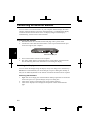
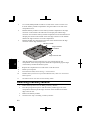
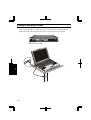
In addition to the function keys embedded on the keyboard as discussed before,
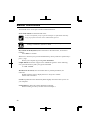
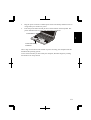
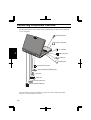
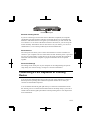
your computer has five more quick start buttons located above the keyboard. The
buttons are identified by icons printed above each button.
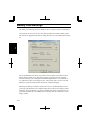
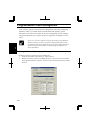
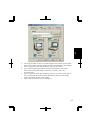
The use of each button can be user defined. From the Start menu, select Programs –
Quick Start Button – Configuration to show the Quick Start Button Utility dialog
box. You can drag-and-drop the application icons to the buttons in the dialog box or
right-click the button to change the settings. See online help for more details.
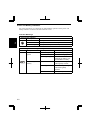
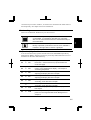
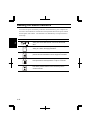
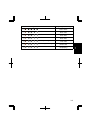
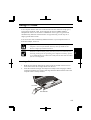
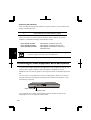
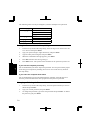
Default assignments are:
Button
Button appearing in
help
System Function
S1
Opens Windows Internet Explorer
browser.
S2
Opens Microsoft Outlook Express.
S3
Opens Easy CD Creator.
S4
Opens PhotoSuite III SE.
S5
Closes an activated application.
2-7
2