1
Unit 1: Introduction
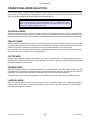
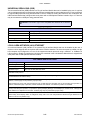
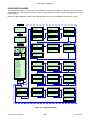
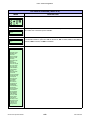
CONTROL FEATURES
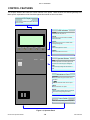
This chapter identifies the interactive control features of the printer. These functions are defined generally here.
More specific explanations will be found throughout this manual on how to use them.
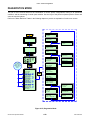
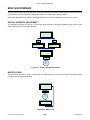
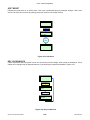
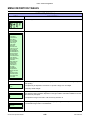
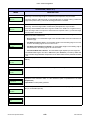
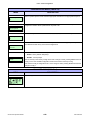
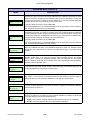
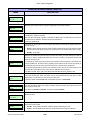
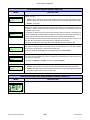
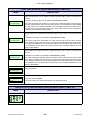
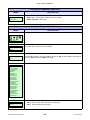
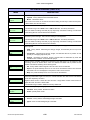
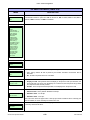
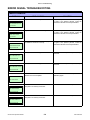
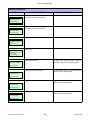
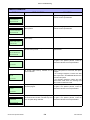
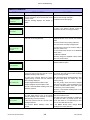
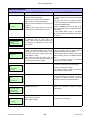
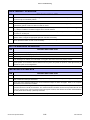
LCD Display
Communicates operational conditions via the use
of icons and text.
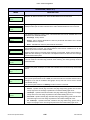
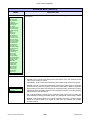
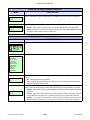
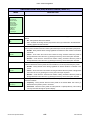
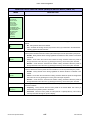
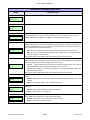
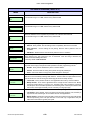
LED Indicators
POWER
Illuminates when the power on.
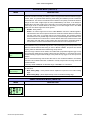
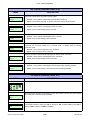
ONLINE
Illuminates when communication is available.
Flashes when fails.
STATUS
Flashes when an error occurs. Flashes when
sending/receiving data.
POWER ON LINE
STATUS
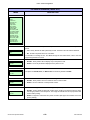
LABEL
RIBBON
LABEL
Flashes when paper error occurs.
RIBBON
Flashes when ribbon error occurs.
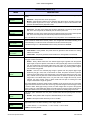
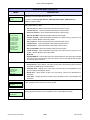
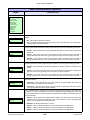
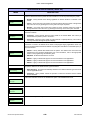
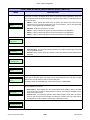
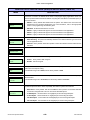
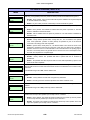
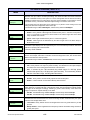
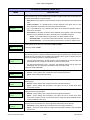
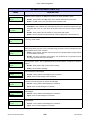
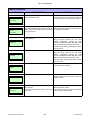
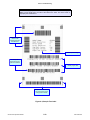
Operator Buttons
FUNCTION
ENTER
CANCEL
FEED
Feeds the equivalent of a sheet of paper when
pressed once. Positions paper if misaligned.
LINE
Starts and stops printing and transmission of
data.
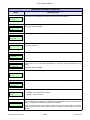
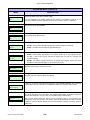
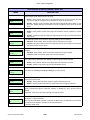
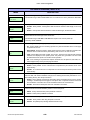
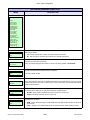
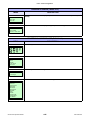
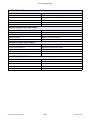
Maintenance Panel
FUNCTION
Allows movement through the various menus
and modes.
Permits the movement of the cursor for input.
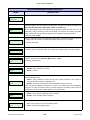
ENTER
Allows the selection of an option.
CANCEL
Cancels a print job. Allows return to the previous
screen when moving through the menus.
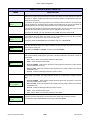
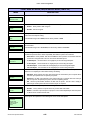
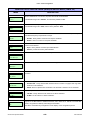
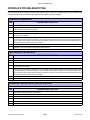
Power Switch
Breaks the circuit providing power to the printer.
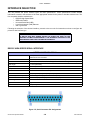
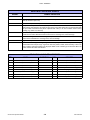
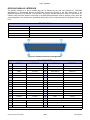
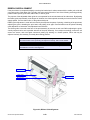
Figure 1-2, Operator Panel
GL408-412e Operator Manual
1-4
PN: 9001163A