1
QT-MP5W
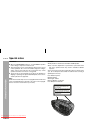
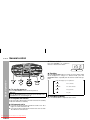
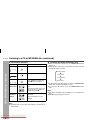
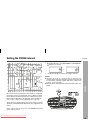
Programmed play (Folder mode)
1
4
Press the MEMORY/DISP button to save the track number.
Whilst in the stop mode, press the MEMORY/DISP button
to enter the programming save mode.
MEMORY
2
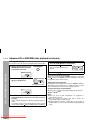
Press the TUNING/FOLDER (
desired folder.
or
) button to select the
MEMORY FOLDER
3
Press the
tracks.
or
MEMORY FOLDER
button to select the desired
5
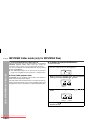
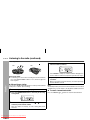
Repeat steps 2 - 5 for other folder/tracks. Up to 32 tracks
can be programmed.
6
Press the CD
/
button to start playback.
CD or MP3/WMA disc Playback
MEMORY
Downloaded From Disc-Player.com Sharp Manuals
12