1
Front Panel Operations
Imagestore 750 User Manual
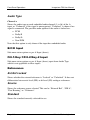
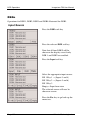
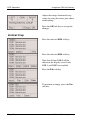
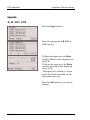
Conf From USB
Copies a new configuration file (config.xml) and GPI setup file (gpi.xml)
from the inserted USB media. If a configuration file is successfully copied
from USB, then a restart is advised.
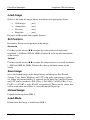
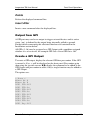
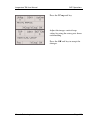
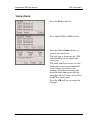
Diags Save
Copies the diagnostic files to the inserted media.
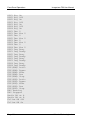
•
messages
Log file from current session
•
messages.old
Log file from previous session
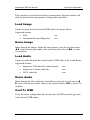
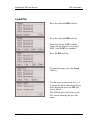
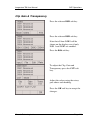
Load Licences
Copies new licence codes (syscodes.txt) from the inserted USB stick, which
enable software options on the Imagestore 750 after a restart.
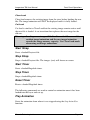
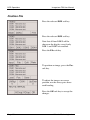
Load Mixfile
Copies new custom mixfiles (all files ending in .mix) from the inserted USB
media to the hard disk. The new file(s) will reside in /home/mixes/.
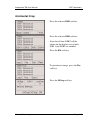
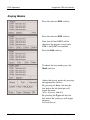
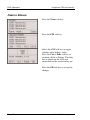
Erase Mixfile
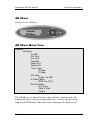
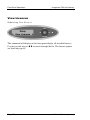
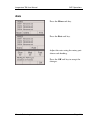
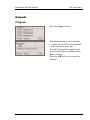
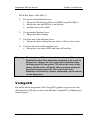
Index through the files within the /home/mixes/ library using the joystick
arrows ⊳ . Once selected press enter, then use the joystick arrows ⊳ to
select Yes to delete.
Standard mixfiles (which are stored inside /etc/mixes) can not be deleted via
this method.
Page 142
Miranda Technologies Inc.