1
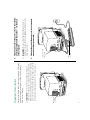
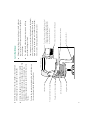
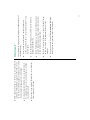
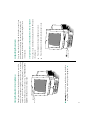
Plugging in the computer
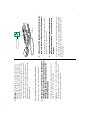
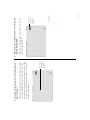
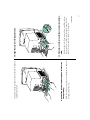
Connecting the mouse and keyboard
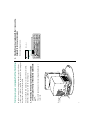
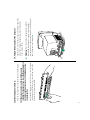
Turning on your computer
n
n
n
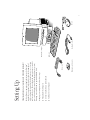
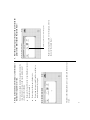
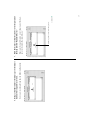
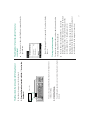
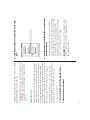
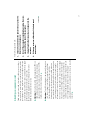
Setting up your computer involves these steps:
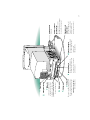
Optional security screws
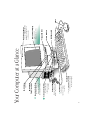
Power cord
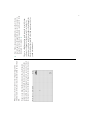
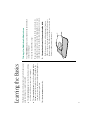
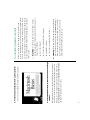
In this all-in-one computer, Apple has integrated a Trinitron®
monitor for exceptional color quality, reduced the number of
cables, and moved controls to the front for easy access. Set it up
and learn the basics. Then explore the many options to see what
you can do with Apple’s most affordable media-ready system,
featuring stereo sound and an optional CD-ROM drive.
Congratulations on your purchase of a Macintosh computer!
Setting Up
Keyboard
Keyboard cable
Macintosh computer
Mouse
1