1
Crestron 2-Series Control Systems
Reference Guide
Support Information
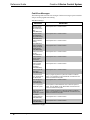
Frequently Asked Questions
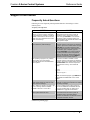
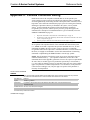
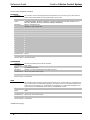
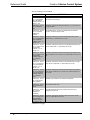
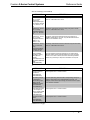
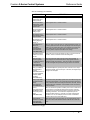
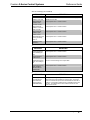
Following are some frequently asked questions that arise when using a 2-Series
control system:
Frequently Asked Questions
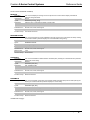
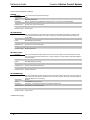
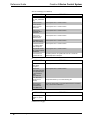
QUESTION
My control system is not functioning as
desired. I.e. relays not closing, IR signals
are not emitted, etc. However, I am able to
establish communications with the control
system. How can I determine if the control
system is functioning?
ANSWER
Use Crestron Toolbox to establish
communications with the control system as
described on page 5. Open a text console
window and type SELFTEST. This command
executes the system self test procedure and
provides feedback that indicates the status of the
control systems outputs.
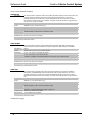
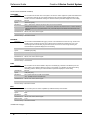
How do I restore my 2-Series control system Use Crestron Toolbox to establish a serial
to the initial factory default settings?
connection with the control system as described
on page 5. Open a text console window and type
INITIALIZE. This command erases the entire
flash file system (internal or compact flash) and
IP information, Upon completion, type the
command RESTORE. This command restores
the system parameters to the factory default
settings. It will erase any stored program, web
pages and IP information. Type the REBOOT
command to execute a reboot sequence.
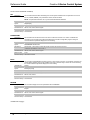
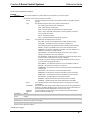
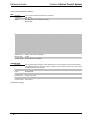
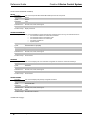
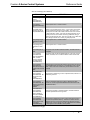
After uploading a program to my 2-Series
control system, the control system
continually reboots. How do I stabilize the
control system?
Use Crestron Toolbox to establish a serial
connection with the control system as described
on page 5. Open a text console window and type
STOPPROGRAM. This command will prevent
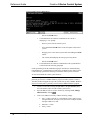
the program from running. The console will
display:
Stopping
Program.................................................................
**Program Stopped**
NOTE: To restart the program, type REBOOT or
press/release the HWR button on the control
system.
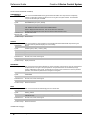
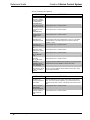
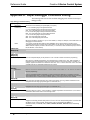
The MSG/ERR LED on the front of my 2Series control system is lit. How do I view
and/or clear the message?
Refer to “2-Series Control System Error
Messages” on page 29 for instructions on reading
and clearing messages.
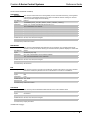
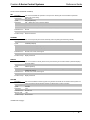
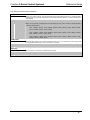
When I attempt to upload my program, I get
the error message "Failed to Initialize
NVRAM"? What can I do to fix this?
You have configured your system to store run
time data on NVRAM but the NVRAM disk size
was never specified. Refer to “Setting Up an
NVRAM Disk” on page 25 for instructions.
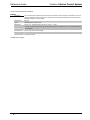
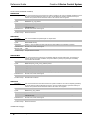
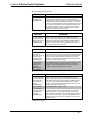
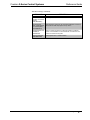
How do I find the MAC address of my
control system’s Ethernet card?
Use Crestron Toolbox to establish a
communications with the control system as
described on page 5. The MAC address
information is contained in the Ethernet section of
the “System Information” window.
(continued on following page)
Reference Guide – DOC. 6256A
2-Series Control Systems • 79