1
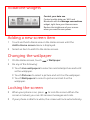
Vodafone widgets
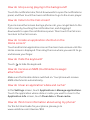
Control your data use
Control mobile data use, Wi-Fi and
Bluetooth with the Manage connections
widget, right from your Home screen.
Reduce the brightness of your screen
when you want to save power.
Adding a new screen item
1
Touch and hold a blank area on the Home screen until the
Add to Home screen menu is displayed.
2
Select an item to add it to the Home screen.
Changing the wallpaper
> Wallpaper.
1
On the Home screen, touch
2
Do any of the following:
• Touch Live wallpapers to select an animated picture and set it
as the wallpaper.
• Touch Pictures to select a picture and set it as the wallpaper.
• Touch Wallpapers to select a picture and set it as the
wallpaper.
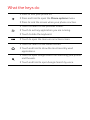
Locking the screen
•
•
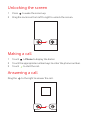
When your phone is on, press
to lock the screen. When the
screen is locked, you can still receive messages and calls.
If your phone is idle for a while, the screen will lock automatically.