1
Other Useful Facilities
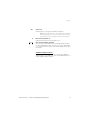
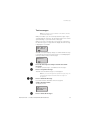
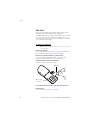
Lock the keypad
You can lock your keypad to avoid accidental activation or dialling a
number by mistake. The following procedure describes the manual
lock, but it is recommended to always have the automatic lock on.
How to set the Automatic key lock, see section “Settings” on
page 75.
Q*
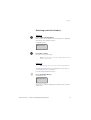
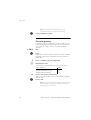
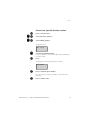
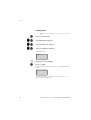
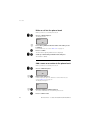
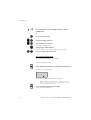
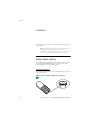
To lock the keypad manually
Press
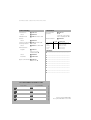
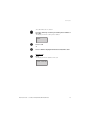
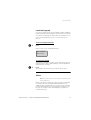
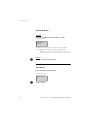
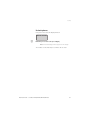
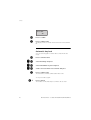
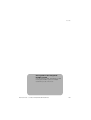
When you press a key, the display will show:
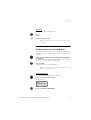
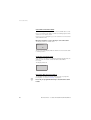
Key locked
Unlock R*
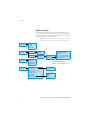
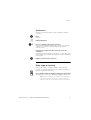
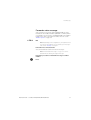
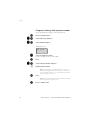
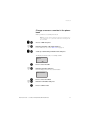
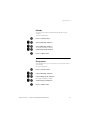
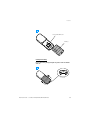
To unlock the keypad
Q*
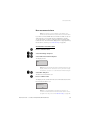
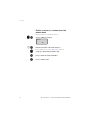
The following combination is always used to unlock the keypad, no
matter if the phone was locked manually or automatically with the
Automatic key lock feature:
Press
The keypad is unlocked. Now you can make calls as usual.
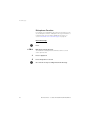
Alarm
Note: The alarm feature is only available for the DT420 and
DT430 telephones.
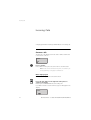
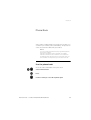
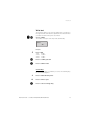
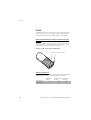
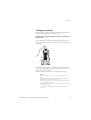
When you work alone and at risk, your personal safety is important.
For situations like this, the DT420 and DT430 telephones are
equipped with a red alarm button on top. When you are in trouble,
just press the Alarm button to summon help by sending a preset
message to the alarm central, which distributes it (requirers an
external alarmserver).
BusinessPhone – Cordless DT400/DT410/DT420/DT430
57