1
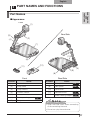
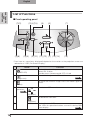
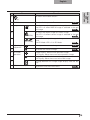
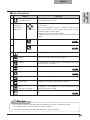
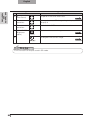
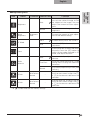
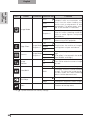
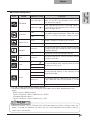
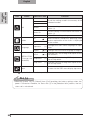
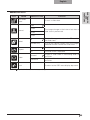
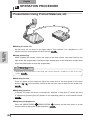
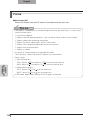
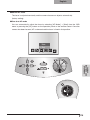
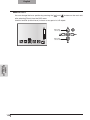
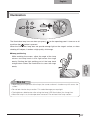
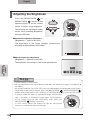
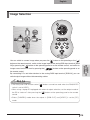
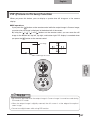
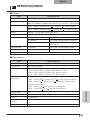
English (1) Name Function (POWER ON/OFF standby status) To turn the power ON/OFF. Only operates when the main power switch is ON. (2) SD mode/ highlight/ mask/scroll operations (Direction) (3) ZOOM (TELE) (4) (WIDE) To move forward/backward through the images saved in SD mode. Moves the highlight section in highlight mode, moves the mask section in mask mode, and moves the displayed image in scroll mode. Moves the small screen during PIP. To decide the OSD cursor for the recorder in Recorder mode. To Zoom in. P.113 To Zoom out. P.113 (5) (Highlight) To highlight part of the image displayed. *1 (6) (Mask) To mask an area of the output image. *1 (7) (Scroll) To enlarge the image currently displayed and move up, down, left, and right. *1 (8) (SD mode) To switch the output image to SD mode. P.119 To save the image on the SD card. P.105 (9) (Capture) PART NAMES AND FUNCTIONS List of functions (10) Back To return the output image to camera image. (11) (Recorder) To operate an optional desktop recorder. *2 (12) PIP (Picture in Picture) To display a still image as a small picture while displaying a camera image. (13) (PC) To switch the output image to the image input to RGB IN. P.119 Note *1This function can only be operated while displaying camera mode/SD mode. (Cannot be used in conjunction with other functions.) *2Cannot be used when the desktop recorder is not connected. 83