1
AUTOMATIC TRANSFER SWITCH
USER’S GUIDE
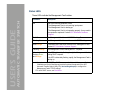
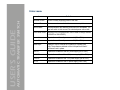
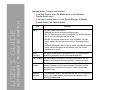
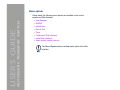
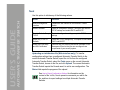
File Transfer (control console only). The File Transfer option of the
Tools menu provides two methods for file transfer over the network and
one for file transfer through a serial connection to the Automatic Transfer
Switch.
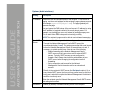
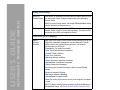
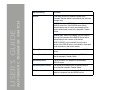
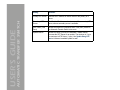
Option
Description
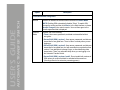
XMODEM
Allows you to transfer either an .ini file or a firmware upgrade file to a
Automatic Transfer Switch using a terminal-emulation program. This option
is available only when you use a local connection to the control console. .
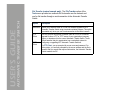
FTP
Client
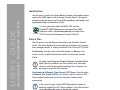
Use one of these two options to transfer either an .ini file or a firmware
upgrade file from a FTP or TFTP server of your organization (company,
agency, or department) to the current Automatic Transfer Switch. These
options assume that your organization has a centralized system for
configuring or upgrading APC Automatic Transfer Switches.
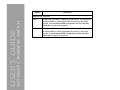
TFTP
Client
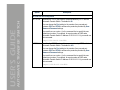
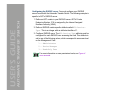
For FTP Client, you are prompted for a user name and password. For
either option, you are then prompted for the server address and the file to
transfer. After you supply that required information, the Automatic Transfer
Switch transfers the file.
®
106