1
Song Recording
12
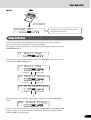
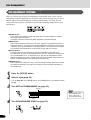
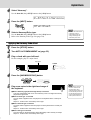
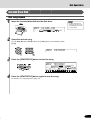
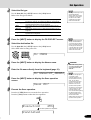
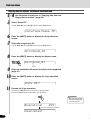
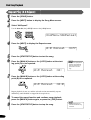
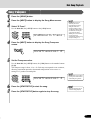
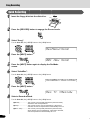
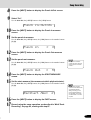
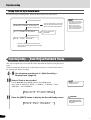
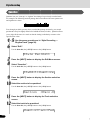
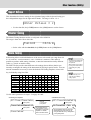
Press the [NEXT] button.
QuantizSize=1/4
13
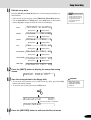
Select the Quantize size (resolution).
Use the data dial, the [+/YES] button or the [-/NO] button.
Set the Quantize resolution to correspond to the smallest notes in the track you
are working with. For example, if the data was recorded with both quarter notes
and eighth notes, use 1/8 for the quantize resolution. If the quantize function is
applied in this case with the resolution set to 1/4, the eighth notes would be
moved on top of the quarter notes.
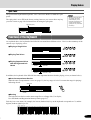
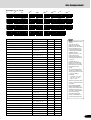
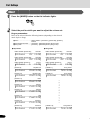
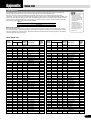
● Quantize size
Size
Note
1/4
Quarter note
1/6
Quarter note triplet
1/8
Eighth note
1/12
Eighth note triplet
1/16
Sixteenth note
1/24
Sixteenth note triplet
1/32
Thirty-second note
14
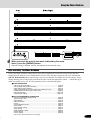
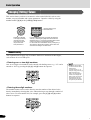
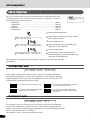
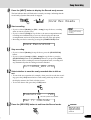
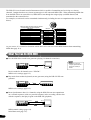
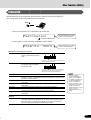
One measure of 8th notes before quantization
After quantization
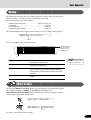
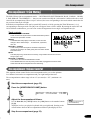
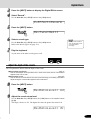
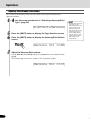
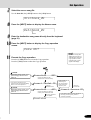
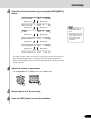
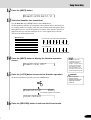
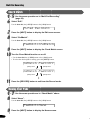
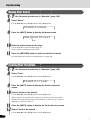
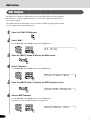
Press the [NEXT] button to display the Quantize operation
screen.
Quantize OK?
15
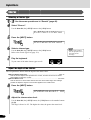
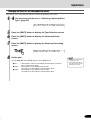
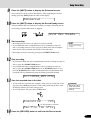
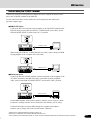
Press the [+/YES] button to execute the Quantize operation.
To abort the Quantize operation, press the [-/NO] button.
Executing
• You cannot restore the
original data once you’ve
executed the Quantize
operation. If space exists on
the disk, save the original
song data (as a backup),
then use Quantize. If you
don’t like the results, you can
reload the backup song data.
CAUTION
• While the Quantize
operation is being
executed, never eject the
floppy disk or turn the
power off.
84%
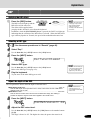
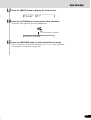
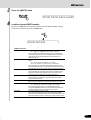
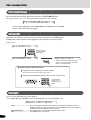
The Quantize operation is completed...
Completed
16
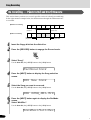
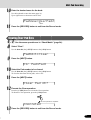
Press the [RECORD] button to exit from the Record mode.
85
87









































![2 Drücken Sie die Taste [NEXT]](http://vs1.manualzilla.com/store/data/006734918_1-92b2c5c18a968a318baccbc9ccfd8706-150x150.png)